32
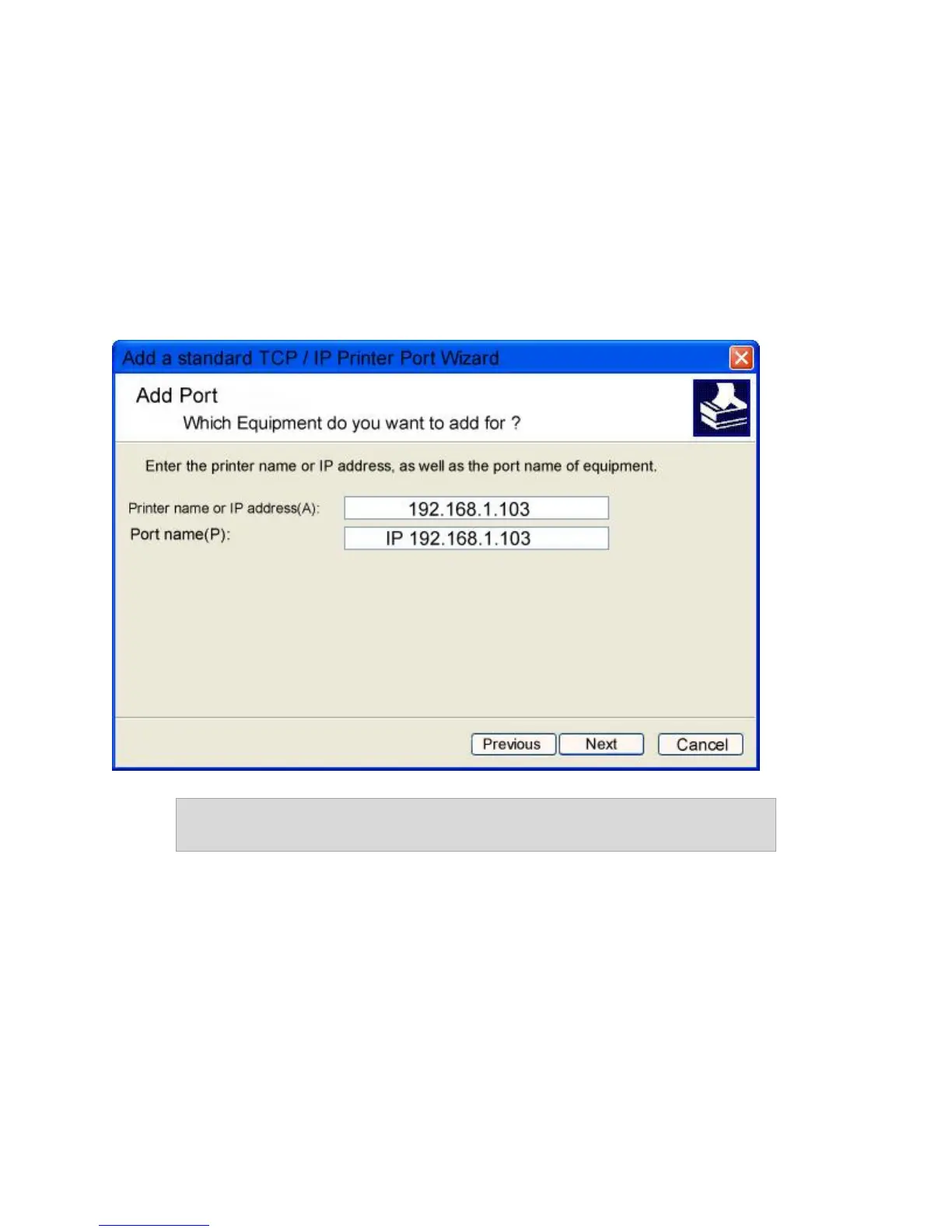
At this point, you will be prompted for two items: the Name or Address of Server
Providing IP and the Name of the Printer. The first item is the Static IP address that has
been assigned to the device. The second item is the Queue name that you found in the
device’s documentation.
Step 8 – In the Name or Address of Server Providing IP box, enter the IP Address of the
LanDrive.
Note: Select “Static IP” mode in the “IP Configuration” menu instead of
“DHCP” mode.
Step 9 – Click Next and select the “User-Defined” option.
Step 10 – Setup the protocol (LPR) and queue name.



 To Next Page