33
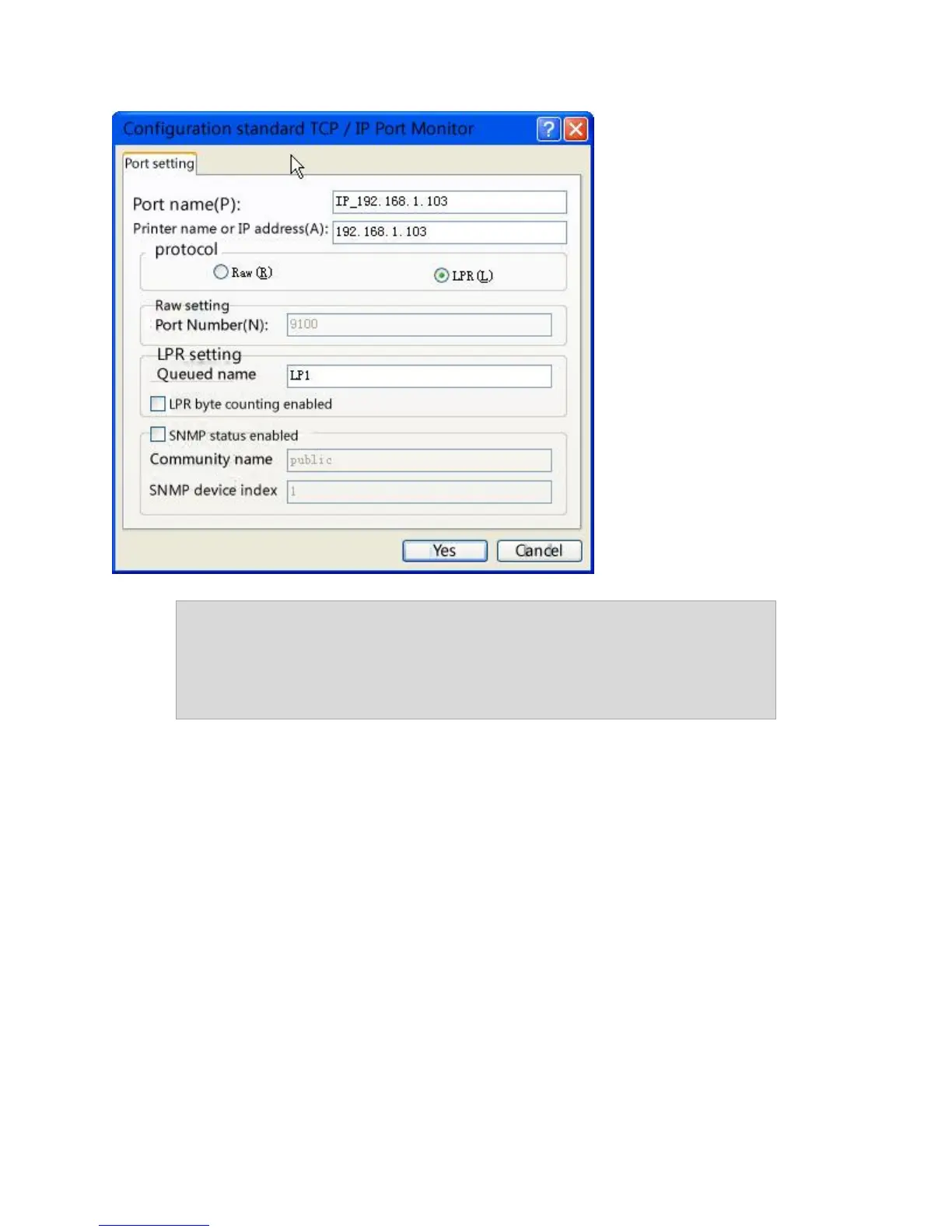
Note: If you receive an error message saying that the "LPD server did
not respond as expected,” click Cancel. Attempt to reenter the IP
Address or Print Queue name. Click OK again. If this process fails, the
device may not support LPR printing. You should stop now and
contact the manufacturer for further assistance.
Step 11 – You are now ready to install the driver. Click Have Disk and then click Browse.
Step 12 – Locate the .INF file for the device. You may need to browse to the CD or to the
folder on your computer where you have the device driver downloaded. Click Next. If you
are prompted to replace or keep the existing driver, click on Keep Existing Driver.
Step 13 – If asked to print a test page, select No. Click Next. Click Finish.



 To Next Page