21
Setting up Windows XP Computers
By default, Windows XP will display the Control Panel in Category View. The instructions in
this document recommend that you switch to Classic View via the menu in the upper-left
corner of the window. You should perform these steps while logged in as Administrator.
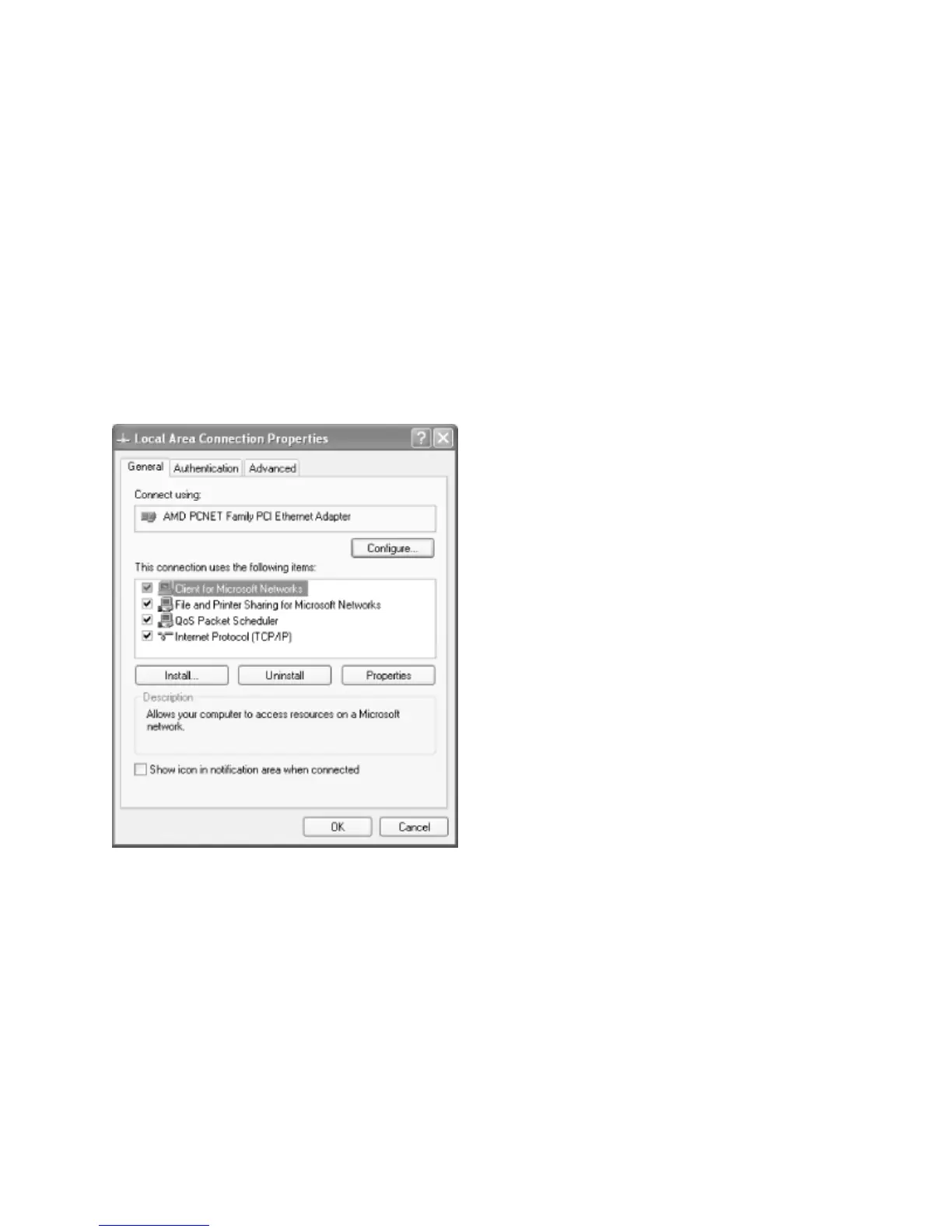
Step 1 – Go to the Control Panel and double-click the Network and Dial-up Connections
icon. You should see at least one Local Area Connection. Identify the LAN connection that
corresponds with the network adapter that is connected to your Samba network. Right-
click the Local Area Connection icon and click on the Properties button.
You should see both of the following components:
Client for Microsoft Networks
Internet Protocol (TCP/IP)
If you do not see both components, you will need to add them. To add either, click the
Install button, select the type of component (Client or Protocol), then click the Add button.



 To Next Page