13
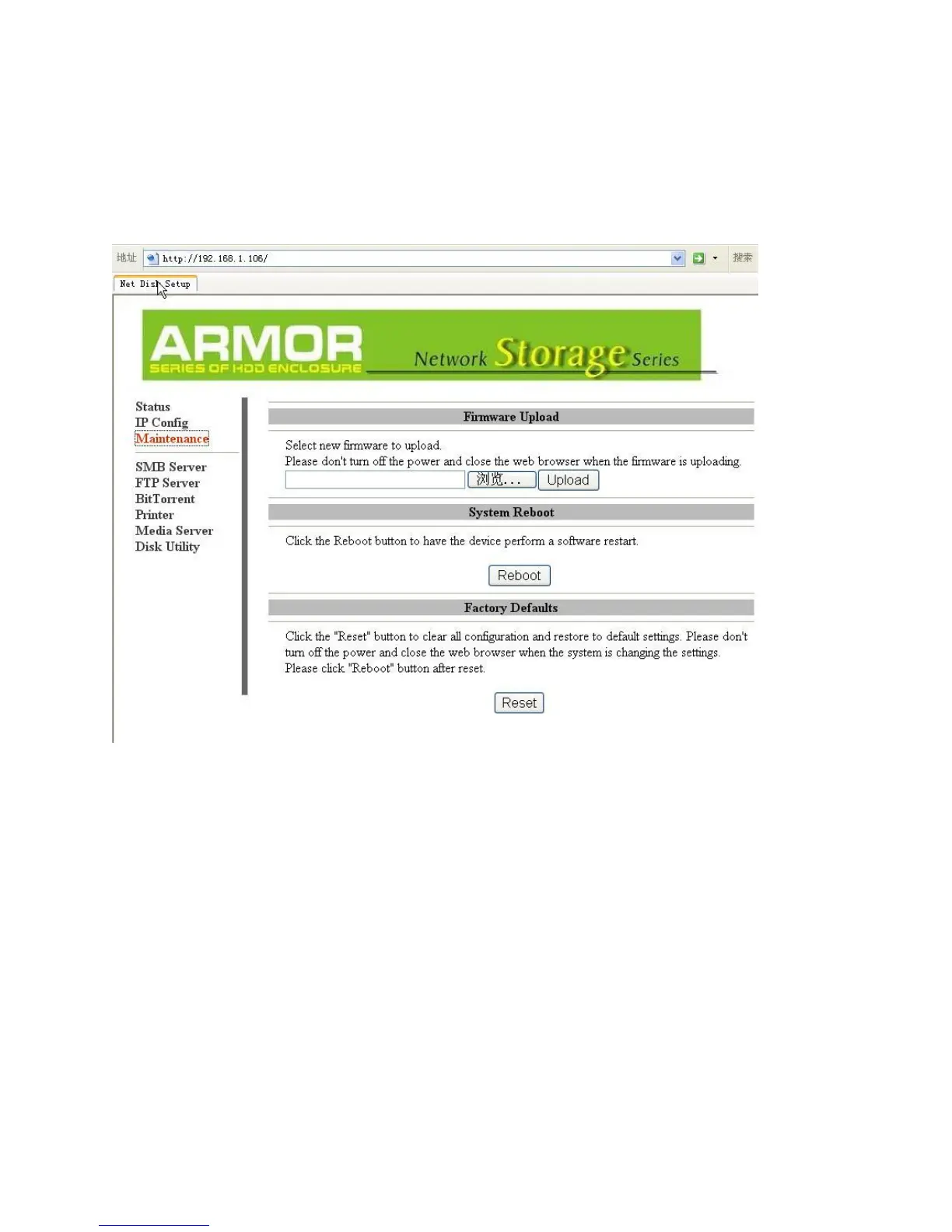
Maintenance
The Maintenance tab allows you to update the LanDrive’s firmware, perform a system
reboot, and reset the LanDrive to factory defaults.
Firmware Upload – Update your LanDrive’s firmware. Do not turn off the power or
close the web browser while the firmware is updating, or for at least thirty seconds
afterwards! This could “brick” your LanDrive, rendering it inoperable!
System Reboot – The Reboot button will force the LanDrive to perform a software restart.
The SYSTEM LED will blink as the device restarts. If the restart is successful, the LED will
remain on. Please wait about a minute before refreshing your browser and logging in again.
Factory Default – Allows you to reset your LanDrive to the factory default settings,
removing any customization. Click the “Reset” button to clear all configuration and restore
the default settings. Do not turn off the power or close the web browser while the
storage device is resetting. Click the “System Reboot” button after reset.



 To Next Page