37
Sharing Media with a PlayStation 3
To access media files—including audio, video and pictures—from storage, you need to
connect an Ethernet cable from the Ethernet port on the back of your PS3 console to your
Storage.
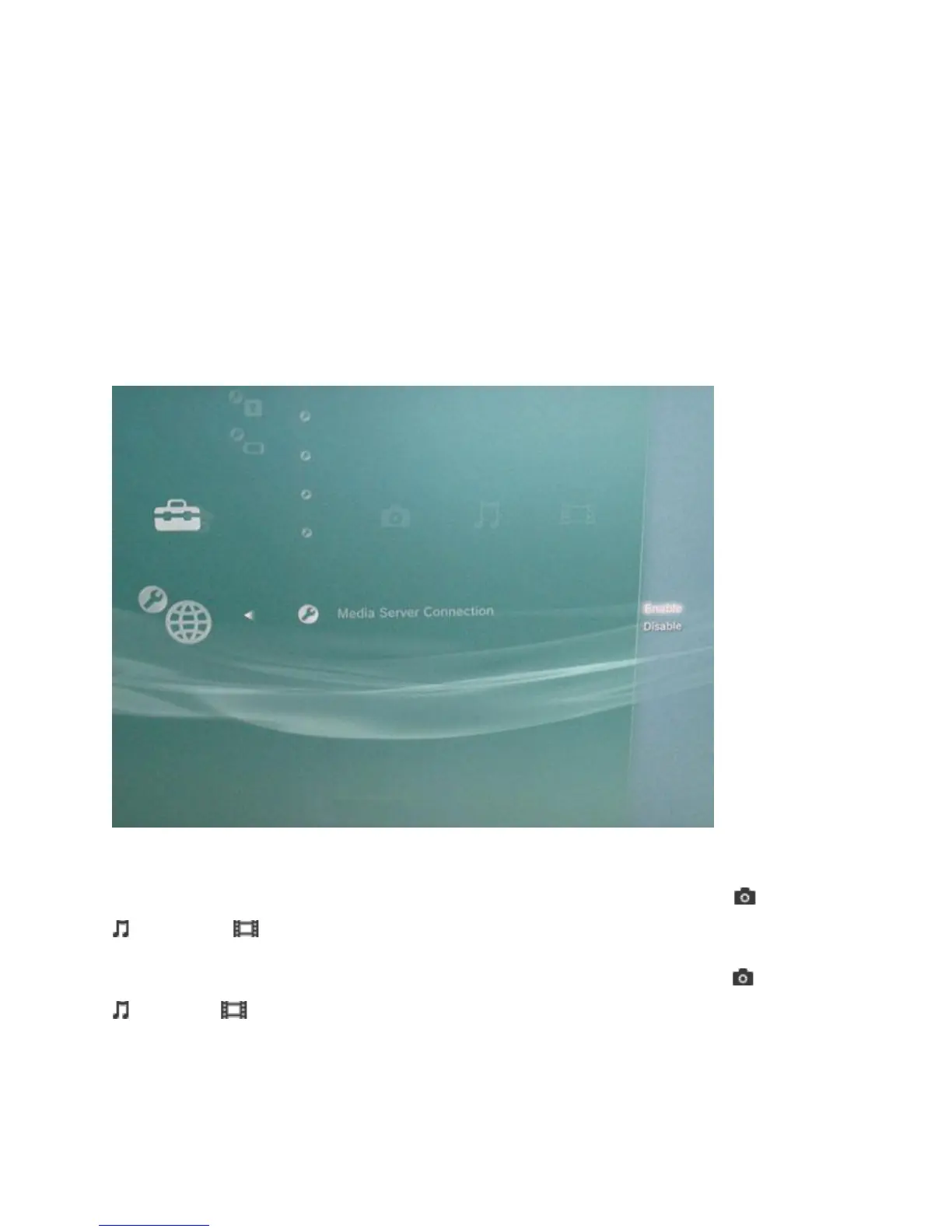
1. Go into the PS3's Settings menu and navigate to Network Settings - Media Server
Connection, and select Enabled. This allows the PS3 to detect networked device running
Universal Plug and Play (UPnP) server software.
2. When you turn on the PS3™ system, Media Servers on the same network are
automatically detected and icons for the detected servers are displayed under (Photo),
(Music), and (Video).
3. Select the icon of the DLNA Media Server that you want to connect to under (Photo),
(Music), or (Video) in the home menu. All available folders and files that can be
played by the PS3™ system will be displayed.



 To Next Page