16
Enabling Samba for Windows 95/98/ME Computers
The following process will enable you to share folders from your Windows computer via
Samba.
Configuring Your Windows Network
Samba uses TCP/IP to communicate with clients on the network, so you will need to make
sure that TCP/IP support is enabled on each Windows computer.
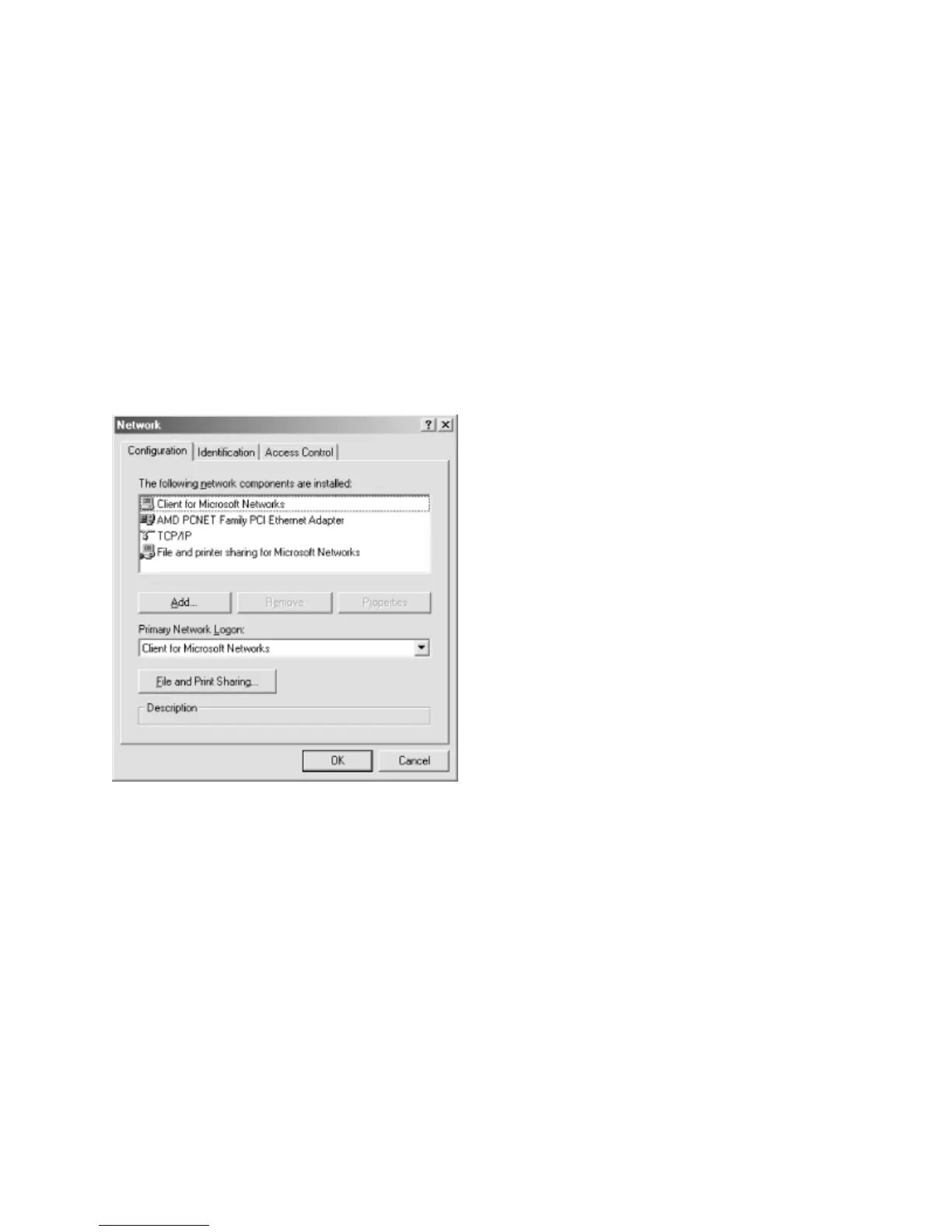
Step 1 – Open the Control Panel and double-click the Network icon.
Step 2 – If you see the TCP/IP protocol listed, you can skip this step. If not, you need to add
the protocol manually. To add the protocol, insert the Windows CD into your CD-ROM drive
and click the “Add” button below the components window.



 To Next Page