17
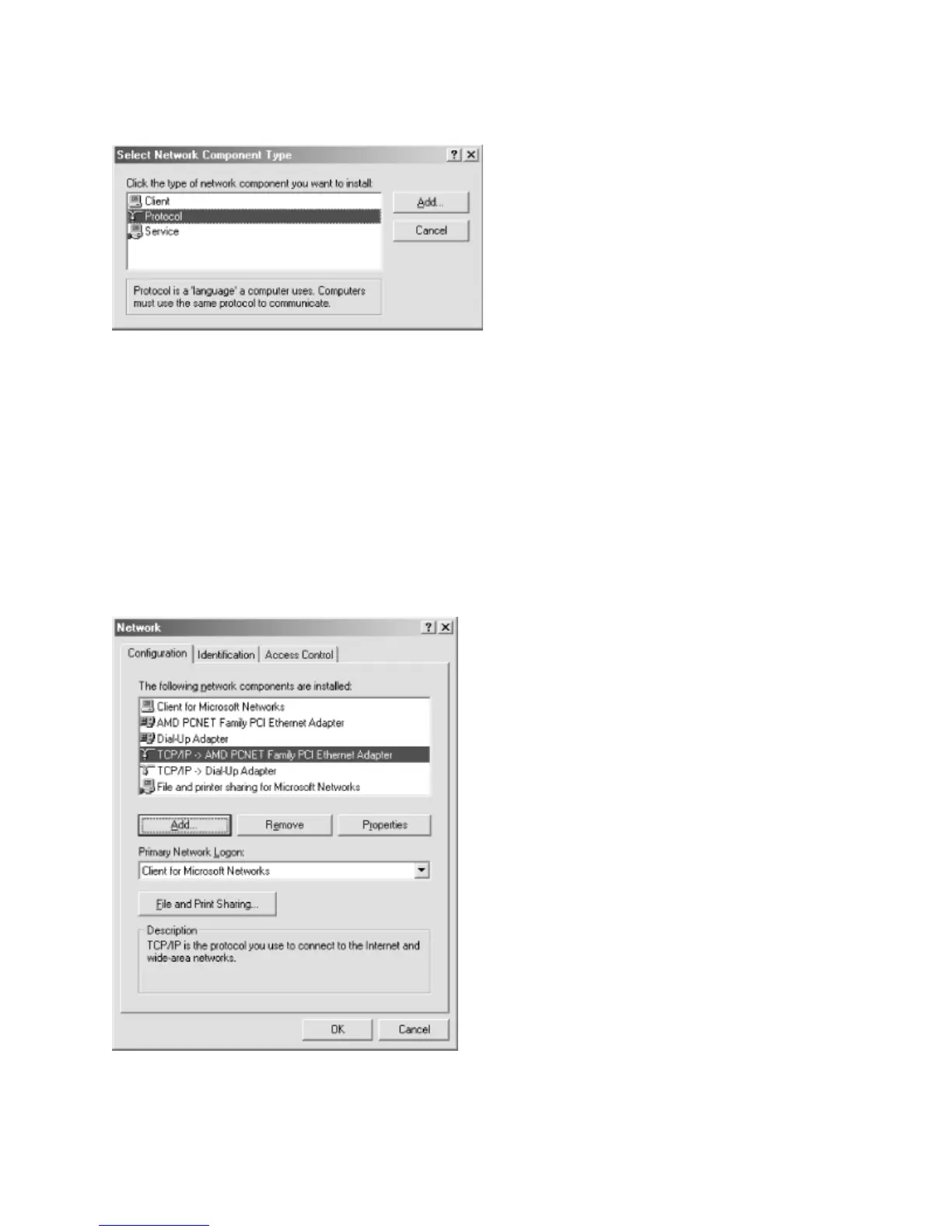
Indicate that you wish to add a protocol by selecting “Protocol” and clicking “Add.”
Next, select Microsoft under the Manufacturer tab, then select the protocol TCP/IP and
click OK. After doing so, you will be returned to the network dialog. Click OK to close the
dialog box. Windows will install the necessary components from the CD and request that
the system be rebooted. Reboot the system and TCP/IP will be installed.
Step 3 – Select the TCP/IP protocol linked to the network adapter that will be used to
access the Samba network. Click the Properties button to open the TCP/IP Properties
dialog.



 To Next Page