20
Accessing the Samba Server from Windows ME
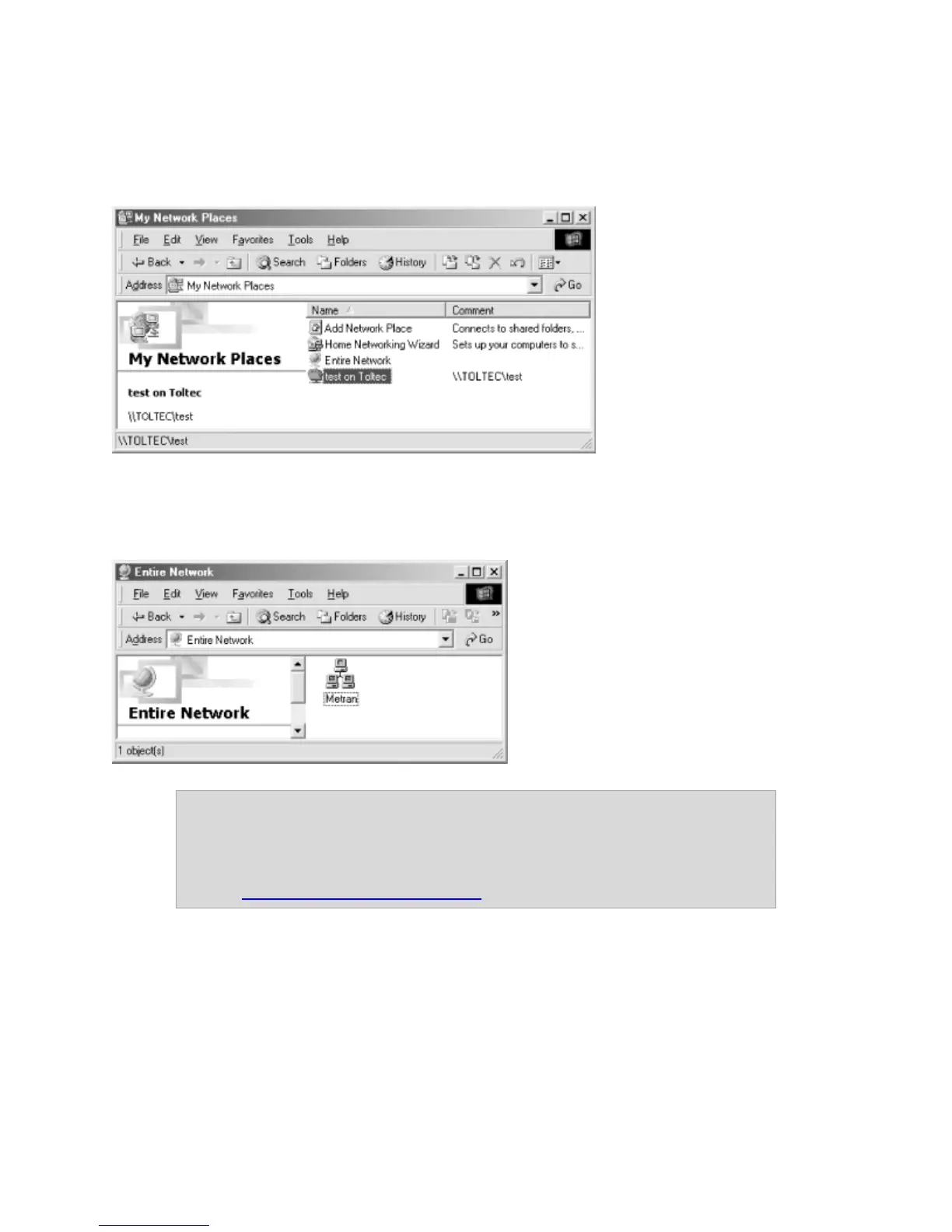
Double-click the “My Network Places” icon on the Desktop.
Double-click the Entire Network icon, and you should see an icon for your workgroup.
Double-click this icon and you should see your Samba shared folders.
Note: If you don’t see your server listed right away, it may take a few
moments to appear on the list. If it does not show up after a few
moments, you can click Start, and then Run. Type two backslashes,
followed by the IP of your LanDrive, followed by the name of the
share: \\192.168.1.12\sambashare



 To Next Page