30
Step 3 – Browse to and select the torrent file. Click Upload.
Step 4 – The LanDrive will begin to download the data via the BitTorrent protocol. When
the torrent download completes, the data will be stored in the download path.
Step 5 – You can access the file from your PC via the Samba or FTP client.
Configuring BitTorrent
System ID – Contains the Torrent ID.
Number of Downloads – Configures the maximum number of concurrently active torrents.
Server Port: Configures the BitTorrent server upload port.
Upload Limit: Sets the maximum upload throughput.
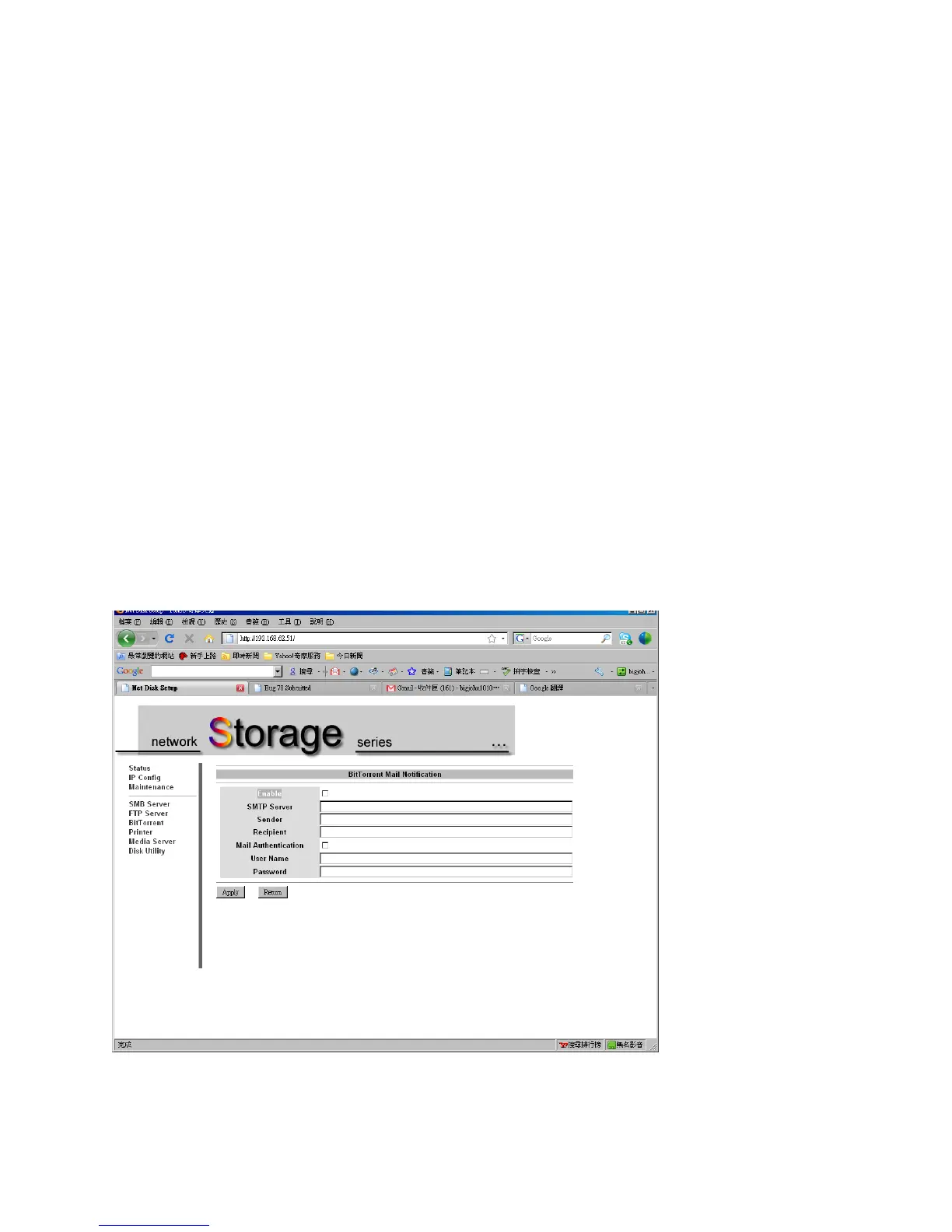
Mail Notification – Sends an email to the Administrator whenever torrent downloads are
interrupted.



 To Next Page