35
Sharing Media with an Xbox 360
To access media files—including audio, video and pictures—from storage, you need to
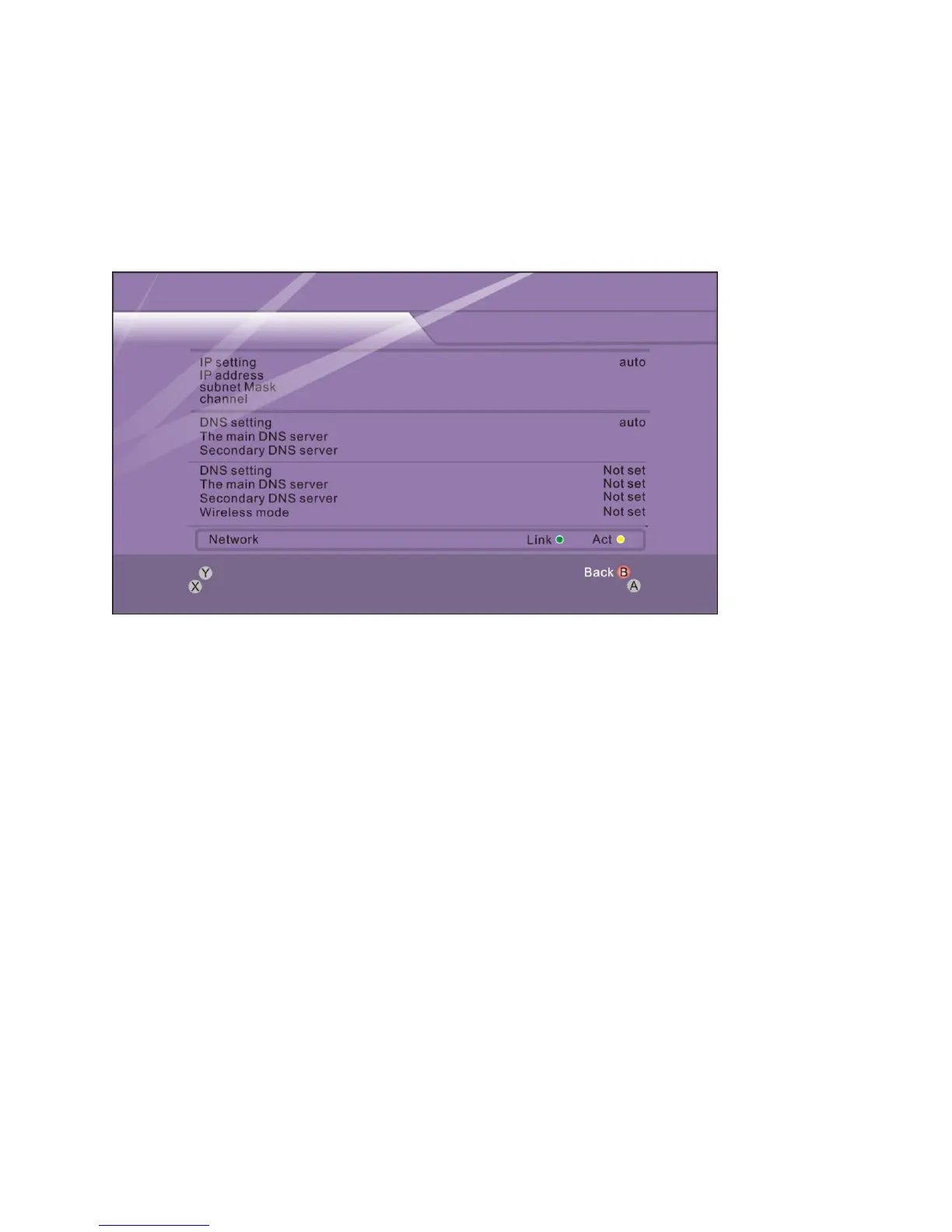
connect an Ethernet cable from the Ethernet port on the back of your Xbox 360 console to
your Storage.
Step 1 – Connect your console to your storage as described above.
Step 2 – Click Media Server page of storage, and set up sharing list (photo, music, and
video)
Step 3 – When setup is complete, Media Server of storage should automatically start.
Step 4 – Xbox360 will search for devices on your network.
Step 5 – On your Xbox 360 console, in the Media area of the Xbox Dashboard, select Music,
Pictures, or Video.



 To Next Page