29
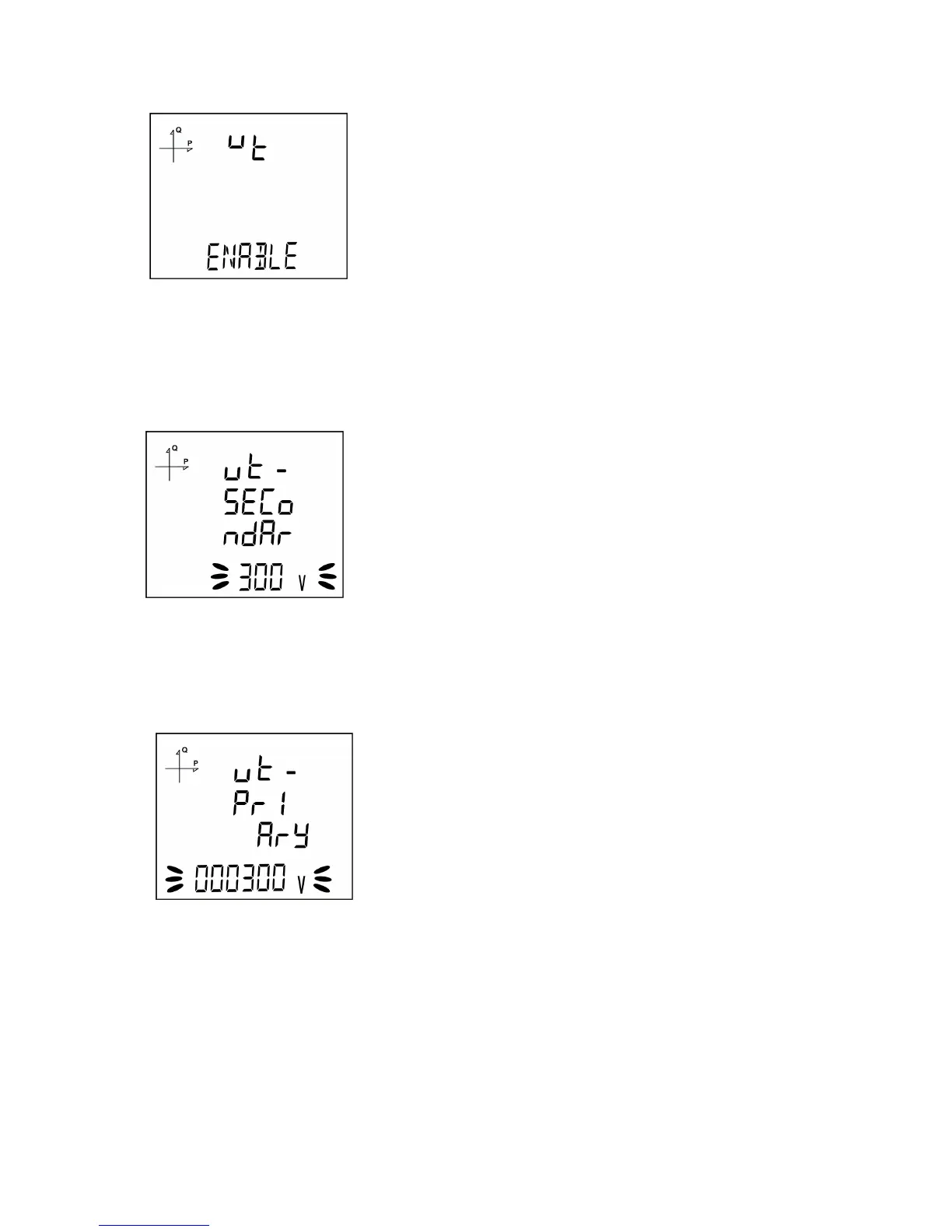
Voltage Transformer Usage
1. By using UP/DOWN buttons, select Enable or Disable indicating whether you use a voltage
transformer on your system.
2. Press the SET button and go to the next step.
VT Secondary Value
1. Enter the secondary value of your VT by using SET and UP/DOWN buttons.
2. You can approve a digit value by pressing the SET button.
3. After entering the necessary value, Press the SET button and go to the next step.
VT Primary Value
1. Enter the primary value of your VT by using SET and UP/DOWN buttons.
2. You can approve a digit value by pressing the SET button.
3. After entering the necessary value, Press the SET button and go to the next step.



 To Next Page