36
3. 9600 baud
4. 19200 baud
5. 38400 baud
6. 57600 baud
7. 115200 baud
1. Press the SET button while on RS-485 baud rate screen.
2. Press the SET button to start selecting the baudrate value.
3. Select your communication speed by using UP/DOWN buttons.
4. When exiting from the menu with the BACK or ESC button, don’t forget to save the changes.
RS-485 Parity Setting
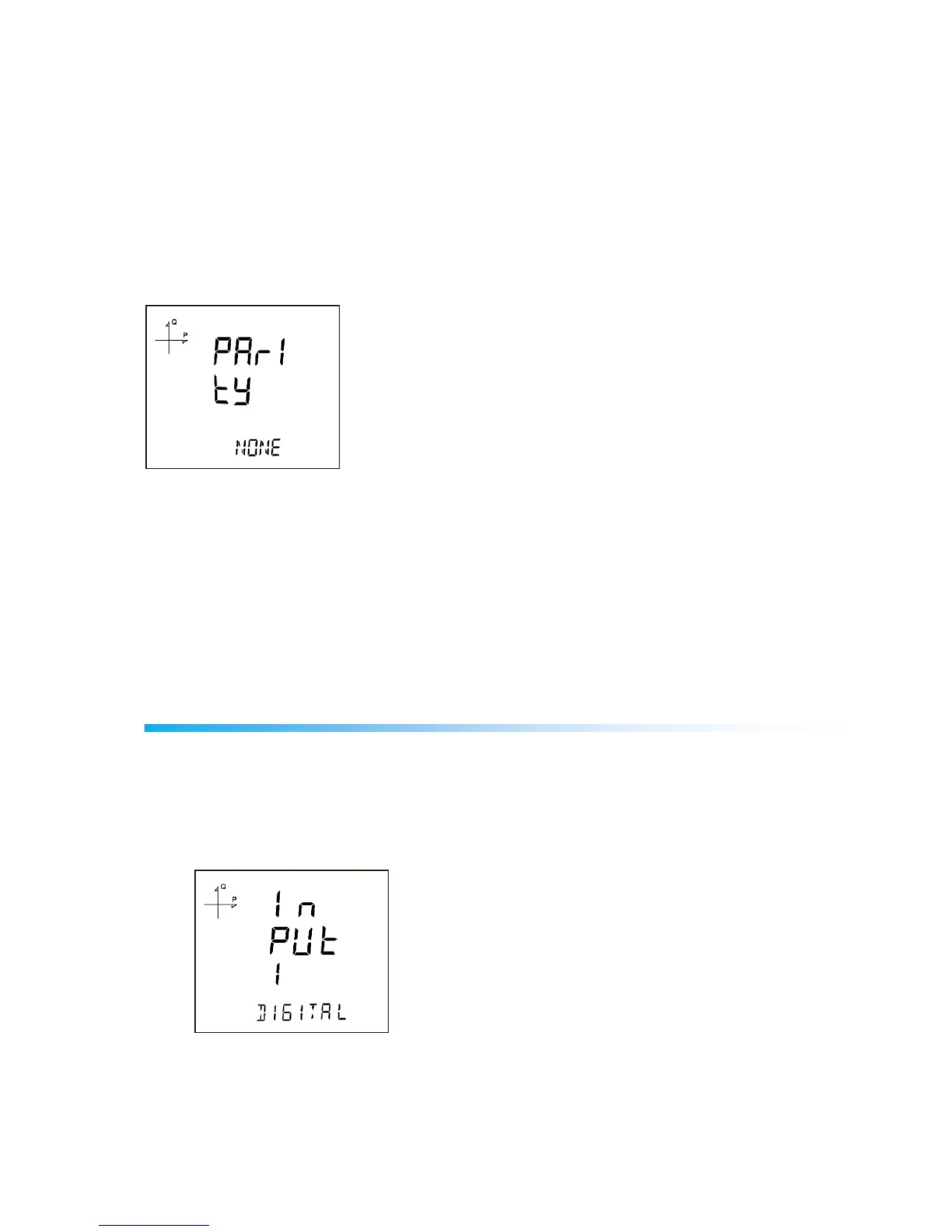
Communication parity of the device can be set as Odd, Even or None.
Factory default setting for parity is NONE.
1. Press the SET button while on RS-485 parity screen.
2. Press the SET button to start selecting the parity option.
3. Select your parity by using UP/DOWN buttons.
4. When exiting from the menu with the BACK or ESC button, don’t forget to save the changes.
Input Parameter Settings
When an Analog Input or Digital Input module is connected to the device, these menus become active.
When these modules are connected, following settings can be changed.
The number of appearing menus depends on how many inputs are available on the connected module.
1. Digital Input: When this option is selected, the device detects the logic level on the input.



 To Next Page