38
Pulse input menu will be activated when pulse option is selected as the input parameter.
1. Press the SET button while on Pulse Inputs menu.
2. On the displayed selection screen, press the SET button to start the selection.
3. Select a pulse width by using UP/DOWN buttons.
4. When exiting from the menu with the BACK or ESC button, don’t forget to save the changes.
Output Parameter Settings
When an output or input/output module is connected to the device, the purpose of the output is selected
from this menu.
The number of appearing menus depends on how many outputs are available on the connected module.
Digital output of the device can be used for one of the following applications:
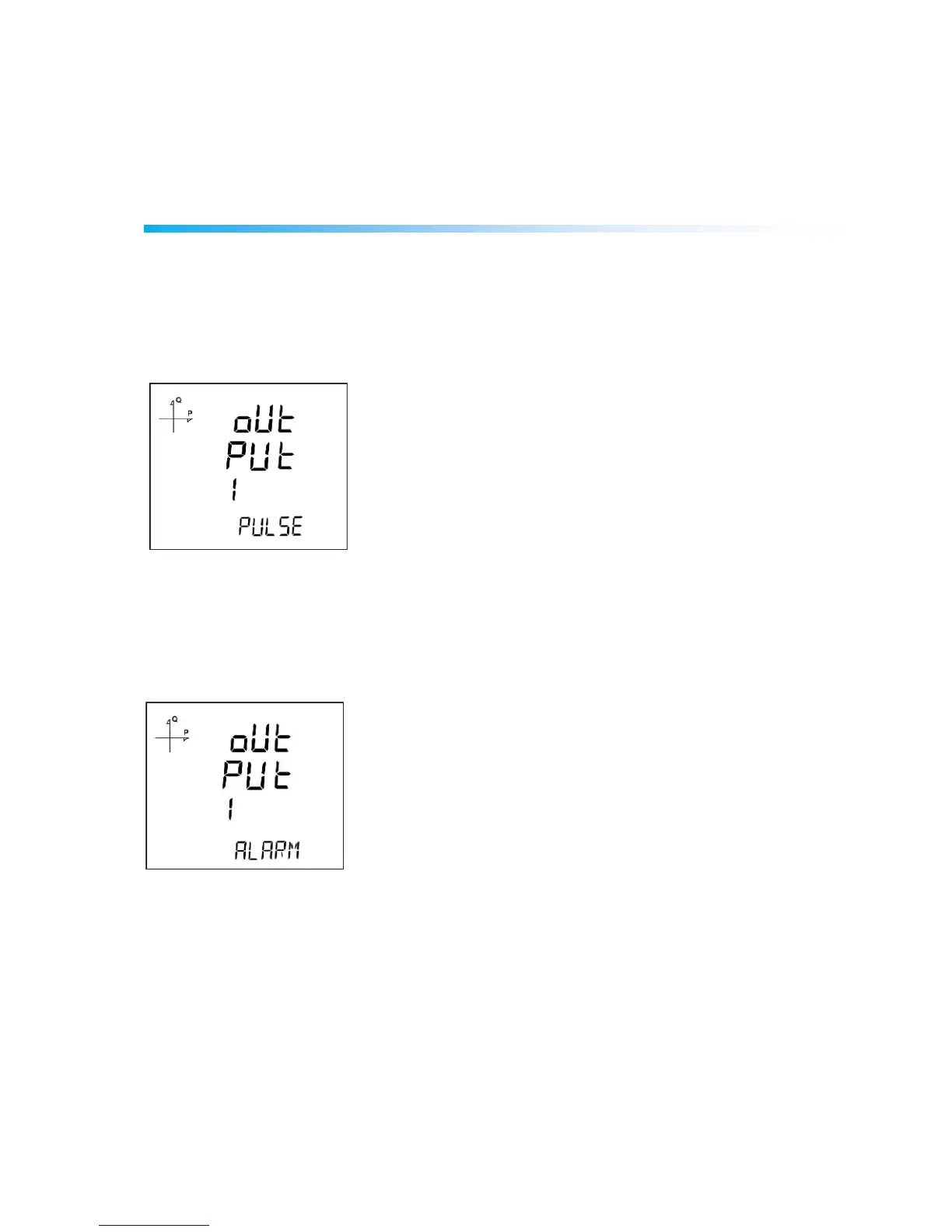
1. Output as Pulse: When this option is selected, the device creates output pulses depending on
selected value of active or reactive energy consumption.
2. Output as Alarm: When this option is selected, the output changes from logic-1 to logic-0 if the
selected parameter exceeds or is below the limit value.
When the alarm condition is resolved, output returns to logic-1.
3. Output as Remote Control: When this option is selected, the user can change the output of the device
from logic-1 to logic-0 remotely via RS-485 communication.
This option can be used to control a circuit remotely.



 To Next Page