50
4. Find oFF dELY menu with UP/DOWN buttons to enter an Alarm Off Delay value.
5. Press the SET button. Enter the alarm OFF delay value in seconds for the alarm UP/DOWN buttons.
Go to the next digit with SET button. When the alarm conditions are cleared on the system, the alarm
will be deactivated after the entered time passes
6. When exiting from the menu with the BACK or ESC button, don’t forget to save the changes.
Tariff Settings
Activating Tariffs
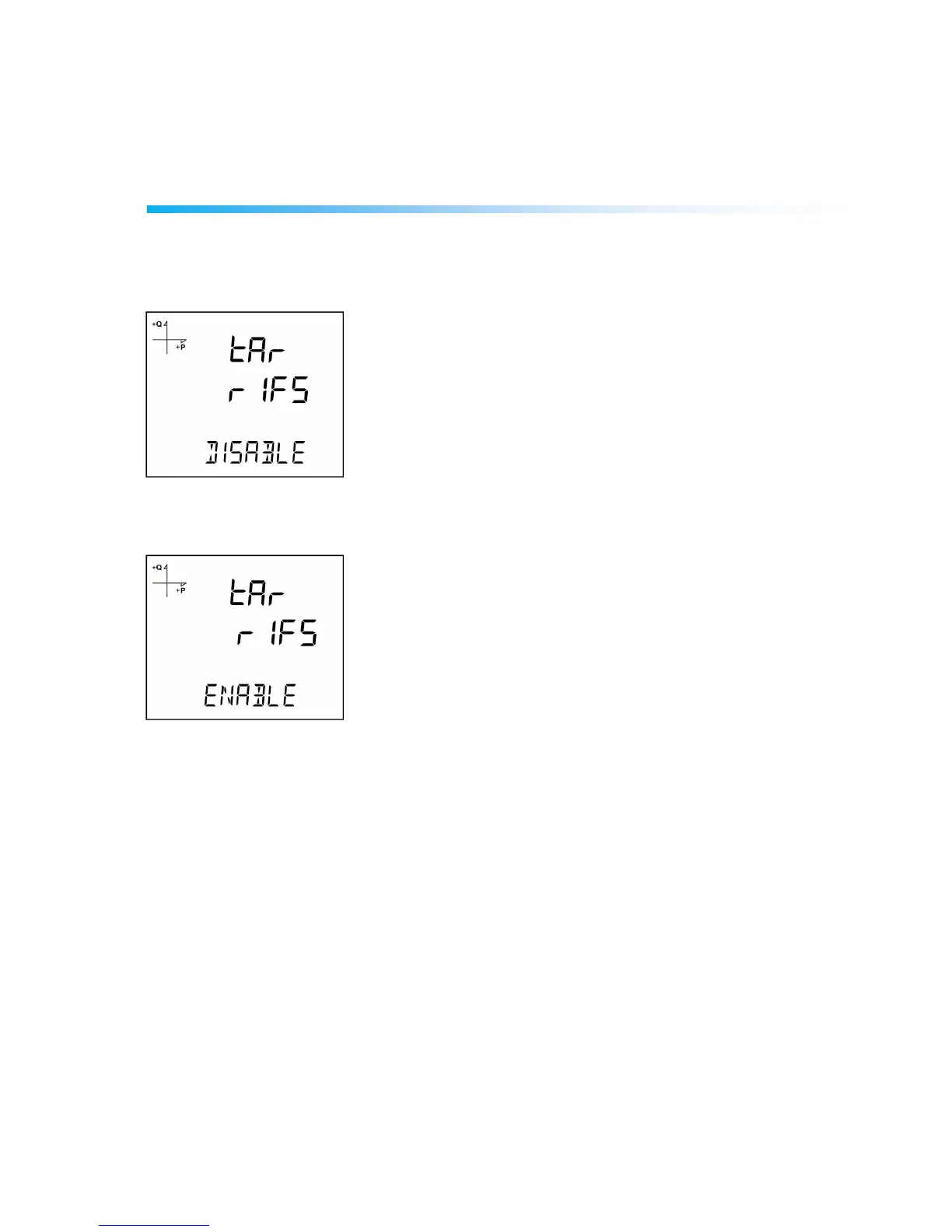
Tariff function of the device is activated by browsing to Tariffs option under Setup Menu. Press the SET
button when Tariffs is displayed. Following screen will be displayed
Press the SET button. If you change Disable option to Enable with UP/DOWN buttons, tariff function of
the device will be activated. Press the SET button to confirm your selection.
When exiting from the menu with the BACK or ESC button, don’t forget to save the changes
Time settings of the tariffs are defined via serial communication according to the device’s Modbus Table.
Tariffs are defined according to the actual time. For example if actual time corresponds to weekday, tariff
start time is placed to registers at address 10000. After start time definition corresponding tariff number is
defined on the same table. Start time consists of four digit number. The first two digits are the
hexadecimal value of hour. The next two digits are the hexadecimal value of minute.
Energy values per tariff can be reached in table starting at address 500.



 To Next Page