28
Setup Screen
Accessing the Programming Menu:
When the SET button of the device is pressed for 3 seconds with PIN feature activated, entry screen is
displayed. When the password is entered correctly, programming menu is reached.
If PIN feature is not activated, programming menu is reached directly. Password for the device is 1234 as
factory default.
Device Installation Settings
In order for the device to become operational, information of current and voltage transformers on the
system and the connection type must be entered to the device.
When the device is energized for the first time, it will require the user to enter this information.
Adjust the following settings accordingly by using SET and UP/DOWN buttons.
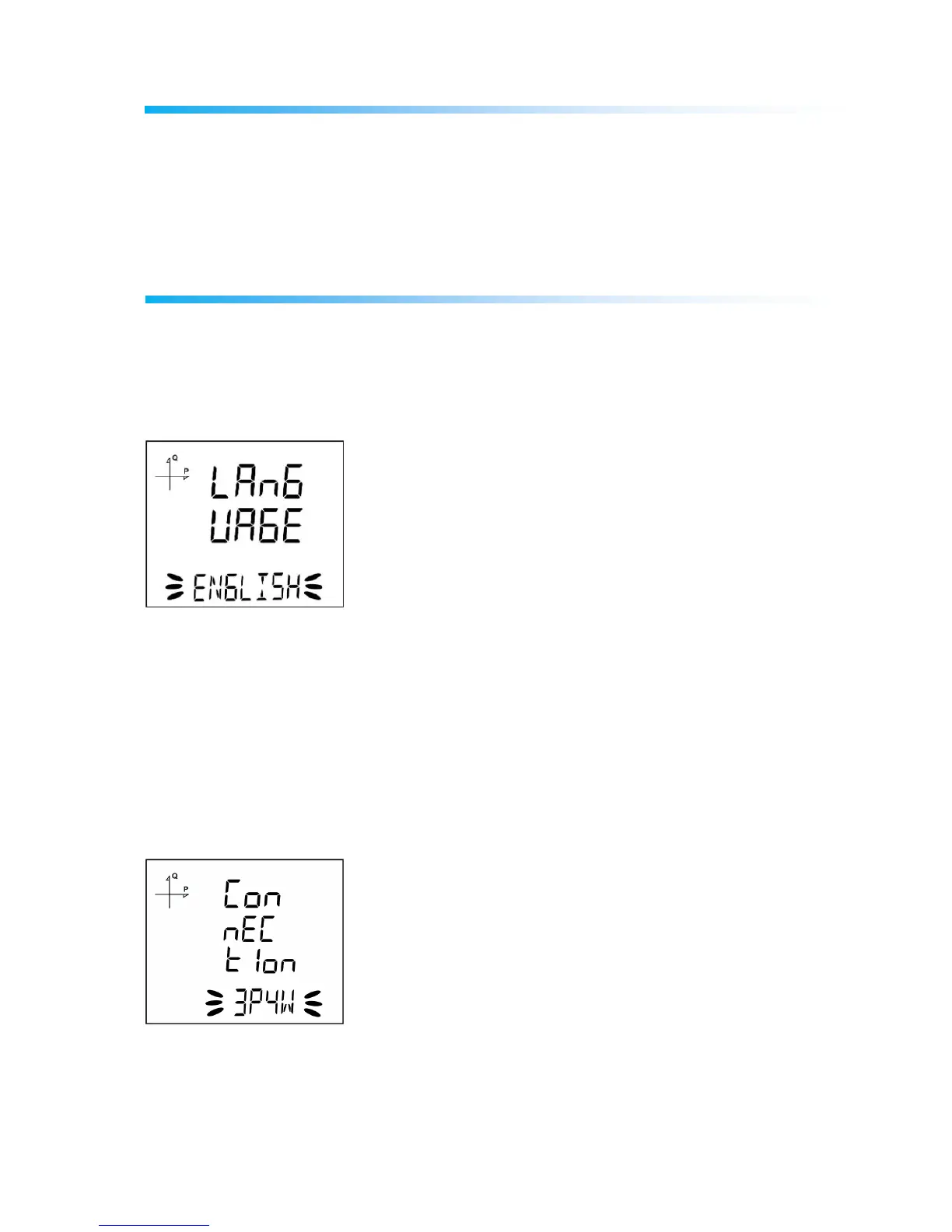
Language Setting
Messages on the device screen can be viewed in four languages:
1. Turkish
2. English
3. German
4. French
After selecting your language with UP/DOWN buttons, Press the SET button and go to the next step.
Connection Type Setting
1. By using UP/DOWN buttons, select your network connection type as 3P4W, 3P3W, ARON, 3P4W
Balanced or 3P3W Balanced.
2. For unbalanced systems, 3P4W or 3P3W should be selected.
3. Press the SET button and go to the next step.



 To Next Page