60
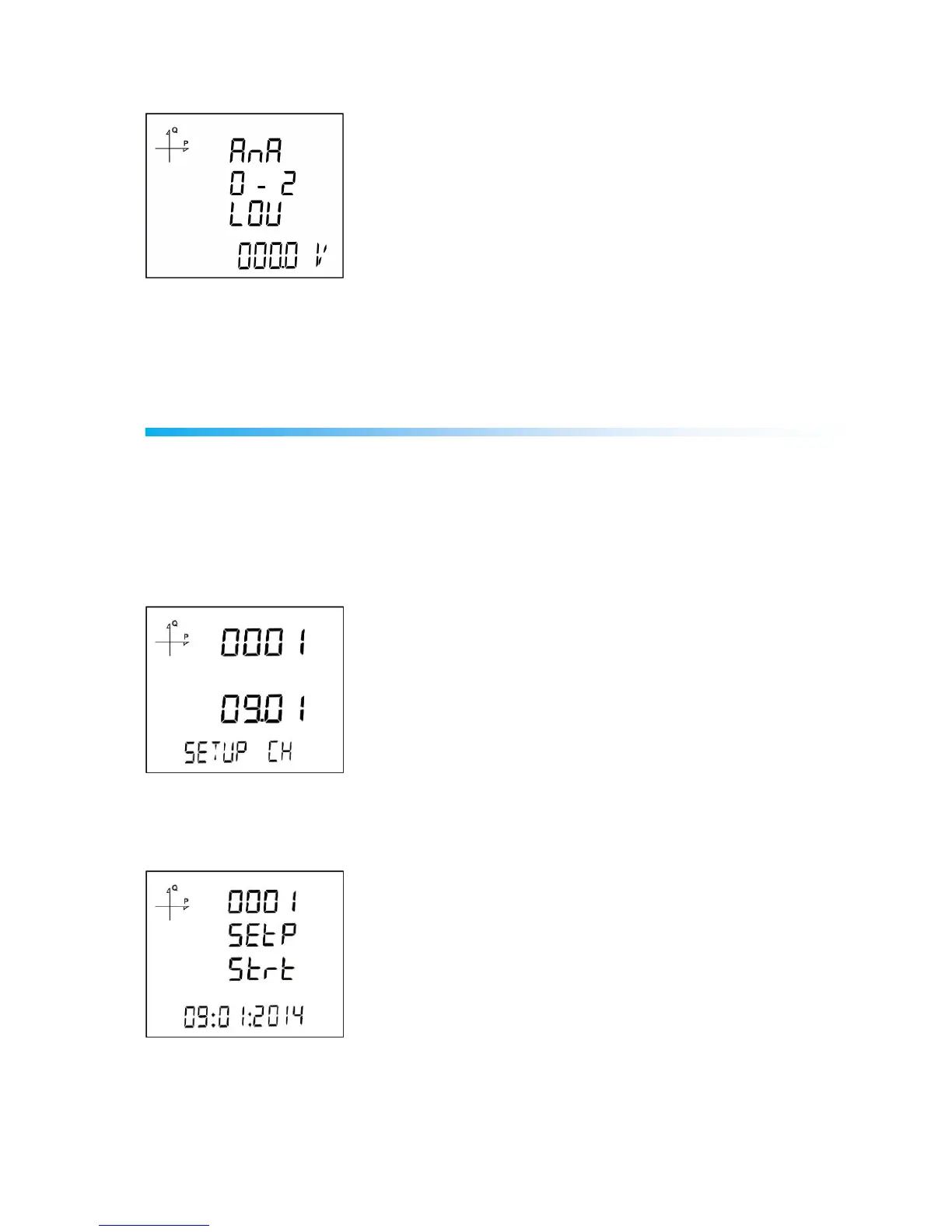
Analog Output-2 Low Value Settings
1. Press the SET button while Analog O-2 Low is displayed.
2. Enter your low value with UP/DOWN buttons.
3. After entering your value, press the SET button.
4. When exiting from the menu with the BACK or ESC button, don’t forget to save the changes.
Reporting Screen
When the ESC button of the device is pressed for 3 seconds, recorded event details can be browsed.
The device can record 255 events.
Recorded event types: First commission, short interruption (<3 s), long interruption, alarm, settings
change, time change and value reset.
Different records can be viewed with UP/DOWN buttons.
Events are listed according to their occurrence times.
First event is the newest that has occurred, last event is the oldest one that has occurred.
After pressing the SET button, details of the event can be displayed in the following order;
1. Start date,
2. Start time,



 To Next Page