54
Resetting Log Values
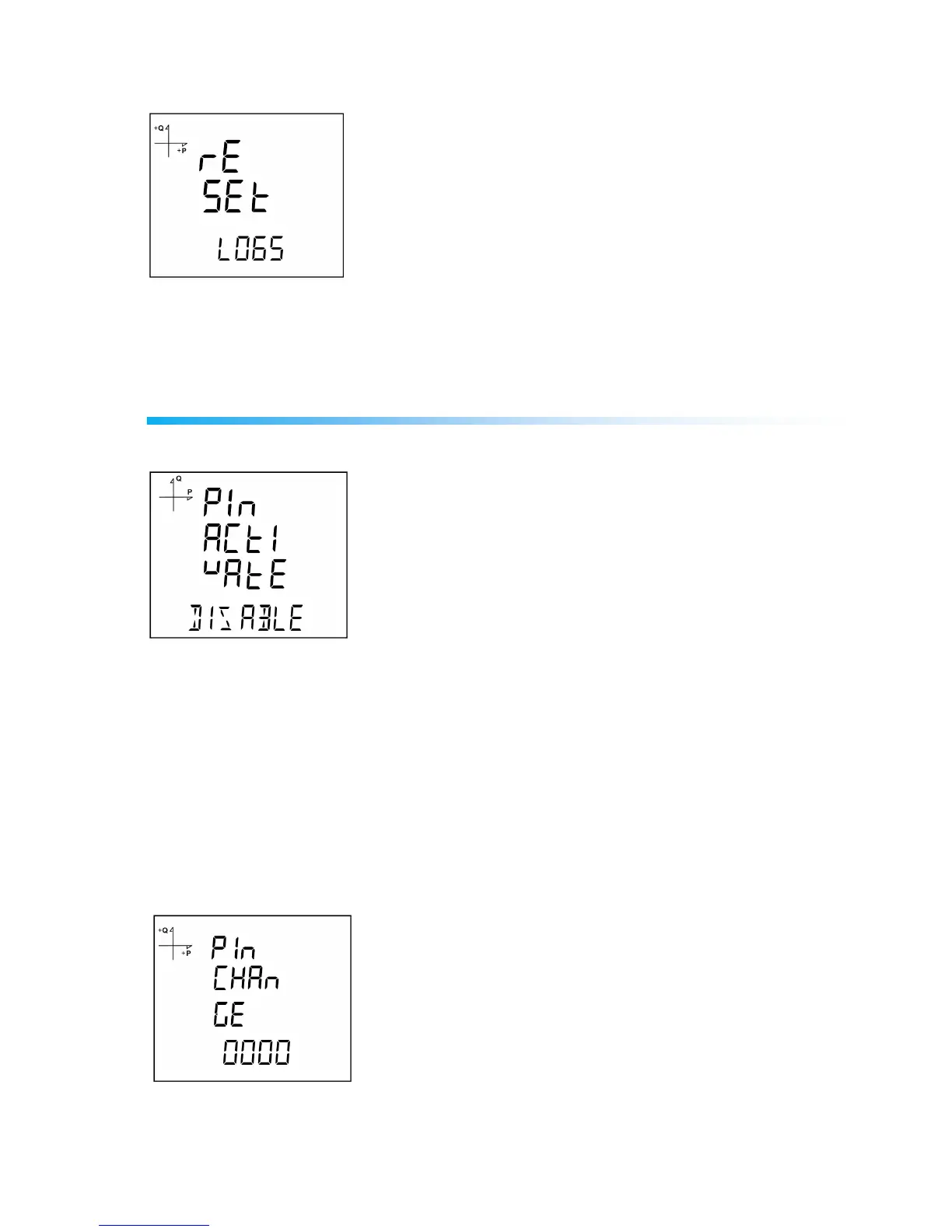
1. Select Logs under Reset menu and press the SET button.
2. Press the SET button while "Reset Logs" is displayed and select YES option with UP/DOWN buttons.
3. Press the SET button.
4. When exiting from the menu with the BACK or ESC button, don’t forget to save the changes.
System Settings
Pin Code Activation
Preventing access to settings menu with a password can be accomplished from this menu.
1. Find "Pin Act" option under System Menu. Press the SET button.
2. When you press the SET button while "Pin Acivate" is displayed, you will have to enter the 4 digit
factory default pin (mentioned below).
3. Select the default pin digits with UP/DOWN buttons and confirm the digit with SET button.
4. After entering the correct default pin, you can change Disable option to Enable. Press the SET button
after selecting Enable.
5. When exiting from the menu with the BACK or ESC button, don’t forget to save the changes.
Factory default pin is 1234.
Changing the Pin Code



 To Next Page