53
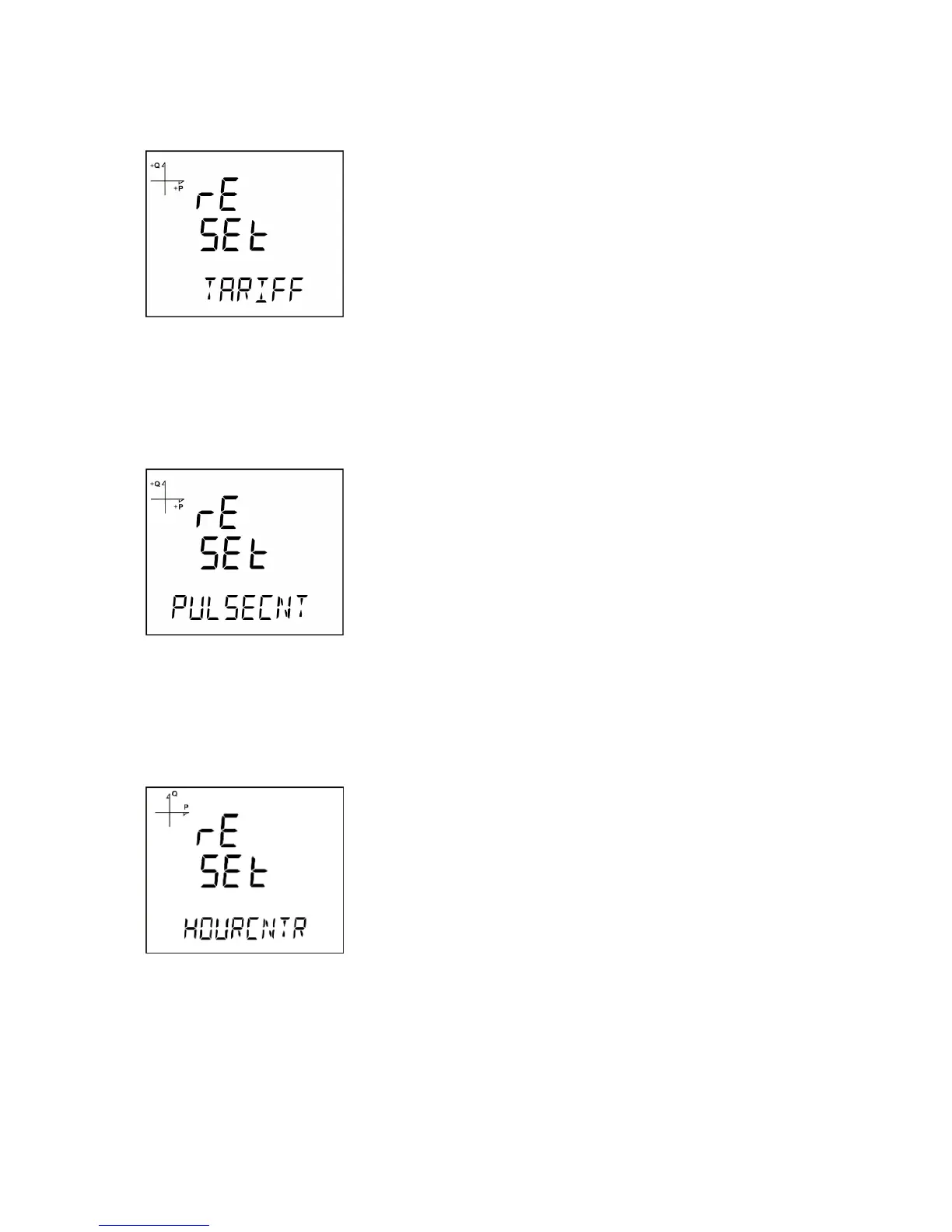
Resetting Tariff Energy Values
1. Select Tariff under Reset menu and press the SET button.
2. Press the SET button while "Reset Tariff" is displayed and select YES option with UP/DOWN buttons.
3. Press the SET button.
4. When exiting from the menu with the BACK or ESC button, don’t forget to save the changes.
Resetting Pulse Counter Values
1. Select Pulsecnt under Reset menu and press the SET button.
2. Press the SET button while "Reset Puls" is displayed and select YES option with UP/DOWN buttons.
3. Press the SET button.
4. When exiting from the menu with the BACK or ESC button, don’t forget to save the changes.
Resetting Hour Counter Value
1. Select Hourcntr under Reset menu and press the SET button.
2. Press the SET button while "Reset Hour" is displayed and select YES option with UP/DOWN buttons.
3. Press the SET button.
4. When exiting from the menu with the BACK or ESC button, don’t forget to save the changes.



 To Next Page