52
4. When exiting from the menu with the BACK or ESC button, don’t forget to save the changes.
Resetting Maximum Demand Values
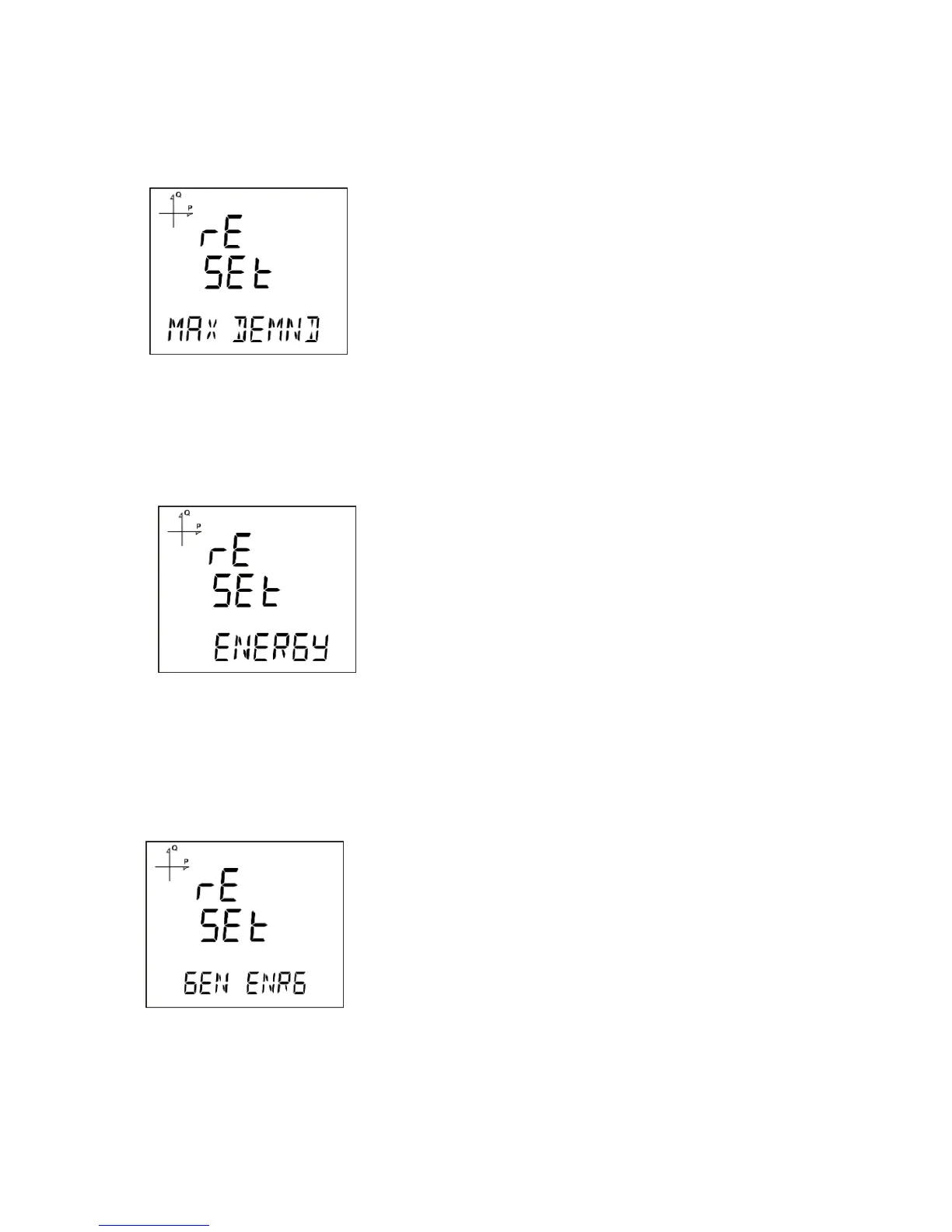
1. Select Max Demand under Reset menu and press the SET button.
2. Press the SET button while "Reset de" is displayed and select YES option with UP/DOWN buttons.
3. Press the SET button.
4. When exiting from the menu with the BACK or ESC button, don’t forget to save the changes.
Resetting Energy Values
1. Select Energy under Reset menu and press the SET button.
2. Press the SET button while "Reset Energ" is displayed and select YES option with UP/DOWN
buttons.
3. Press the SET button.
4. When exiting from the menu with the BACK or ESC button, don’t forget to save the changes.
Resetting Generator Energy Values
1. Select Gen Energy under Reset menu and press the SET button.
2. Press the SET button while "Reset GenE" is displayed and select YES option with UP/DOWN
buttons.
3. Press the SET button.
4. When exiting from the menu with the BACK or ESC button, don’t forget to save the changes.



 To Next Page