32
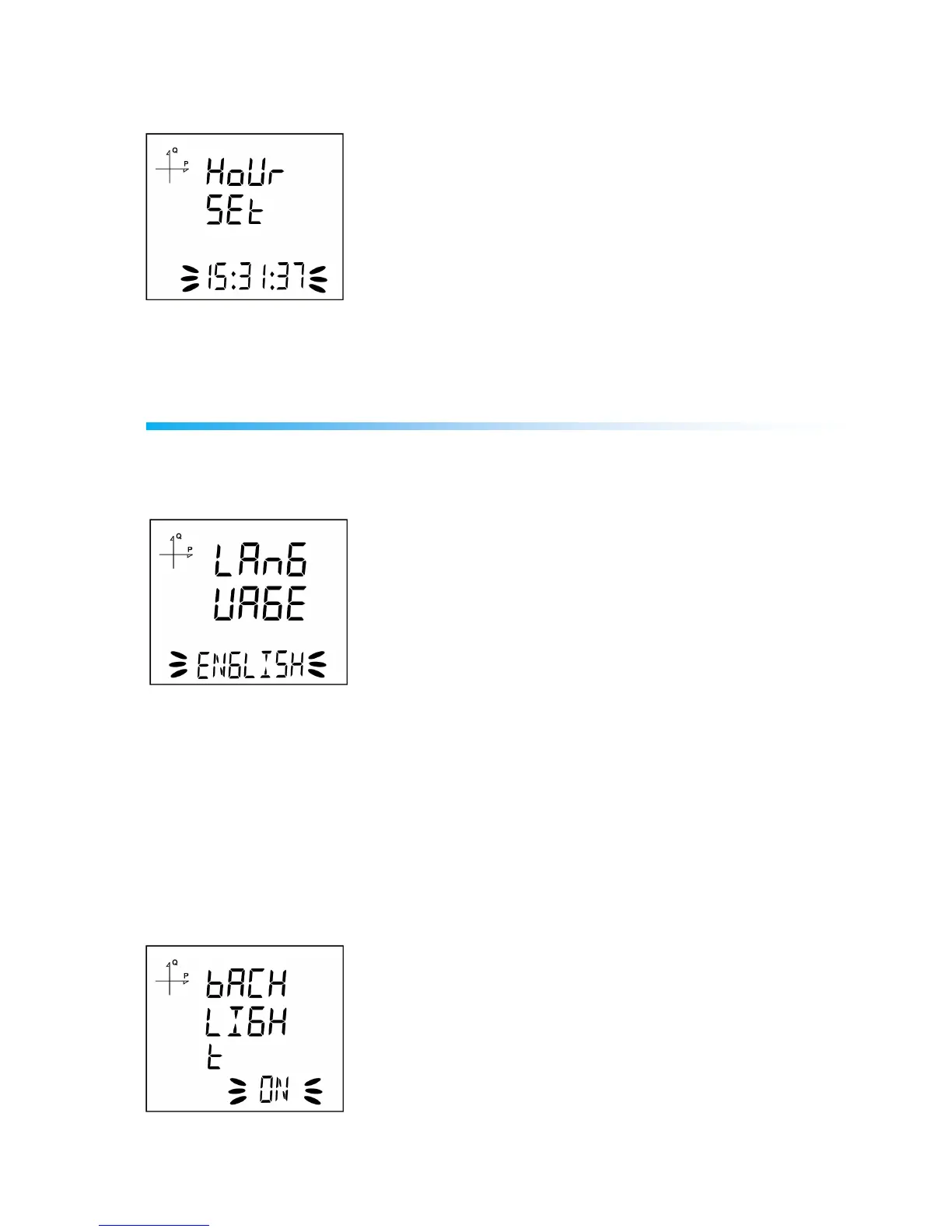
Hour Setting
1. Enter the time by using SET and UP/DOWN buttons.
2. You can approve a digit value by pressing the SET button.
3. After entering the correct date, Press the SET button and go to the next step.
Display Settings
Language settings, display contrast and backlight settings are located under Display Settings section.
Language Setting
Messages on the device screen can be viewed in four languages:
1. Turkish
2. English
3. German
4. French
1. Select Language option under Settings/Display and press SET button.
2. Current language option will start blinking. Select one of the options above and press SET button.
3. When exiting from the menu with the BACK or ESC button, don’t forget to save the changes.
Backlight Setting



 To Next Page