31
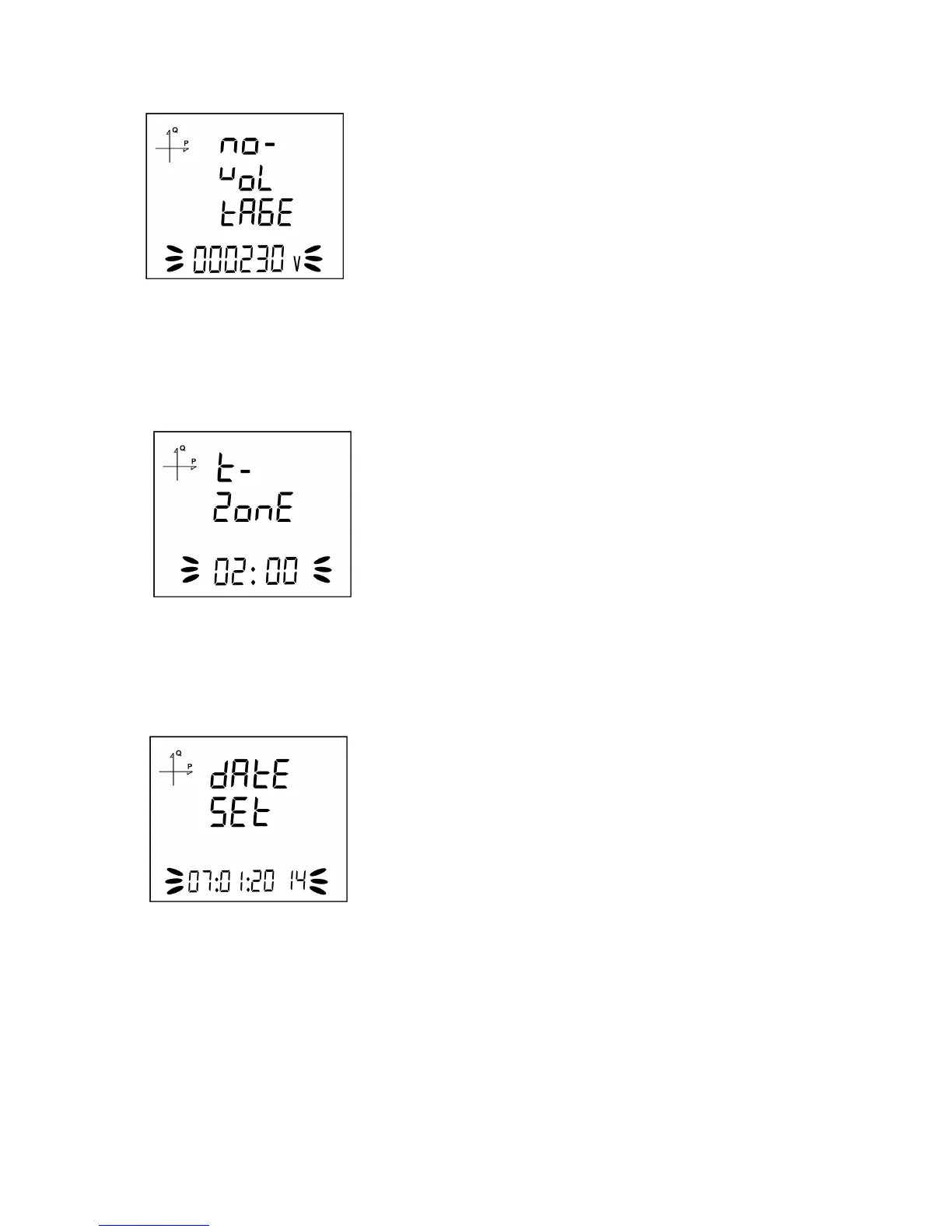
Nominal Operating Voltage Value
1. Enter the nominal operating voltage value between 25 and 300 V by using SET and UP/DOWN
buttons.
2. You can approve a digit value by pressing the SET button.
3. After entering the necessary value, Press the SET button and go to the next step.
Time Zone Setting
1. By using UP/DOWN buttons, you can select the time zone information about the device location
between -12:00 and +12:00 in 30 minute intervals.
2. After selecting the necessary value, Press the SET button and go to the next step.
Date Setting
1. Enter the date by using SET and UP/DOWN buttons.
2. You can approve a digit value by pressing the SET button.
3. After entering the correct date, Press the SET button and go to the next step.



 To Next Page