57
Analog Output Settings
When an analog output module is connected to the device, the purpose of the output is selected from this
menu.
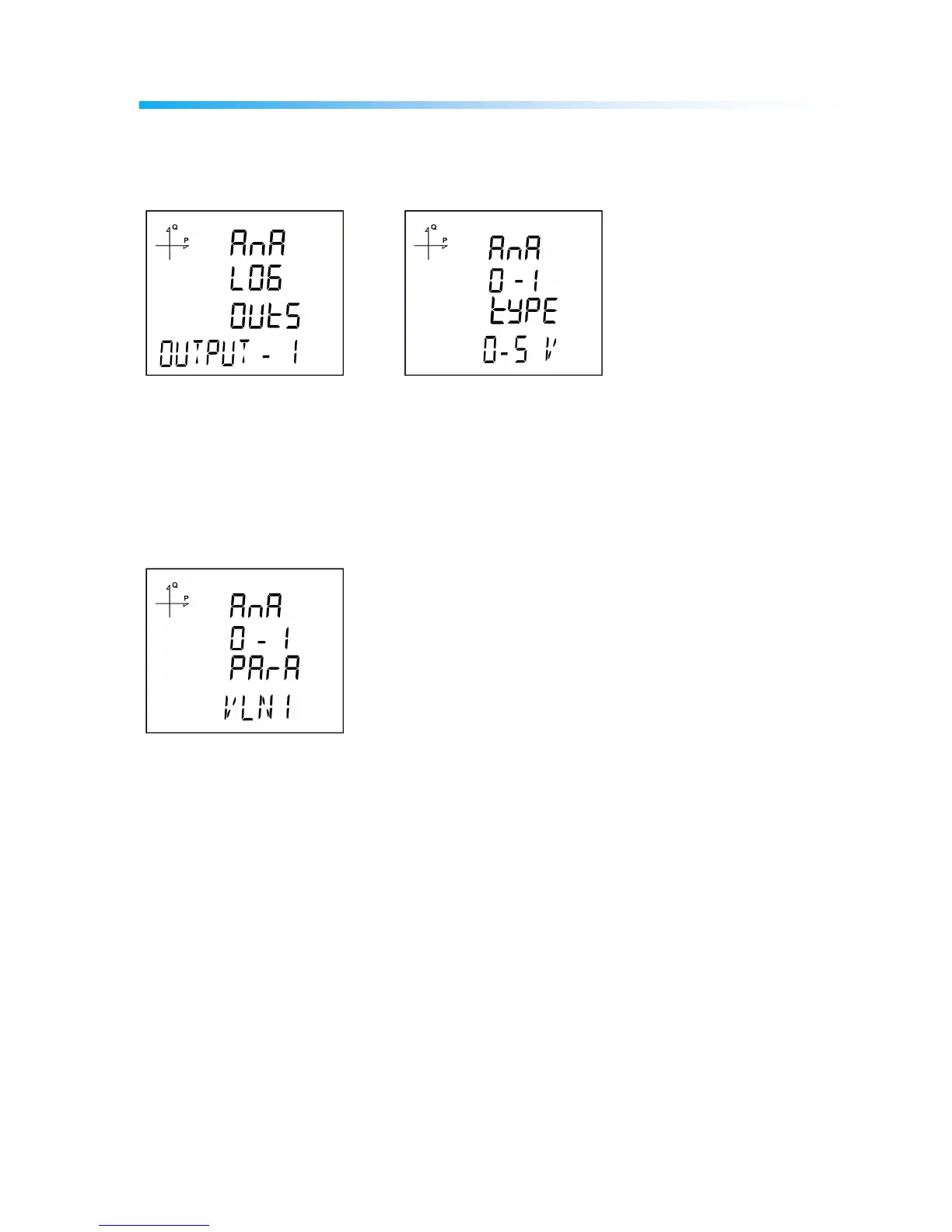
Analog Output-1 Type Settings
1. Press the SET button while Analog O-1 Type is displayed.
2. Select one of 0-5V, 0-10V, -5 ~ 5V and -10 ~ 10V options with UP/DOWN buttons.
3. After completing your selection, press the SET button.
4. When exiting from the menu with the BACK or ESC button, don’t forget to save the changes.
Analog Output-1 Parameter Settings
1. Press the SET button while Analog O-1 Para is displayed.
2. Select one of the following parameters with UP/DOWN buttons.
VLN1, VLN2, VLN3, VLN4, VLL1, VLL2, VLL3, IL1, IL2, IL3, IL4, IN, IL1 DEMAND, IL2 DEMAND, IL3
DEMAND, IL4 DEMAND, IN DEMAND, P1, P2, P3, Q1, Q2, Q3, S1, S2, S3, Total P, Total Q, Total
S, Cos Phi-1, Cos Phi-2, Cos Phi-3, Total Cos Phi, Frequency, VLN4, IL4, Total I, Total I Demand,
Total P Demand, Total S Demand, Total VLN, Total VLL.
3. After completing your selection, press the SET button.
4. When exiting from the menu with the BACK or ESC button, don’t forget to save the changes.



 To Next Page