56
Displaying Software and Hardware Version
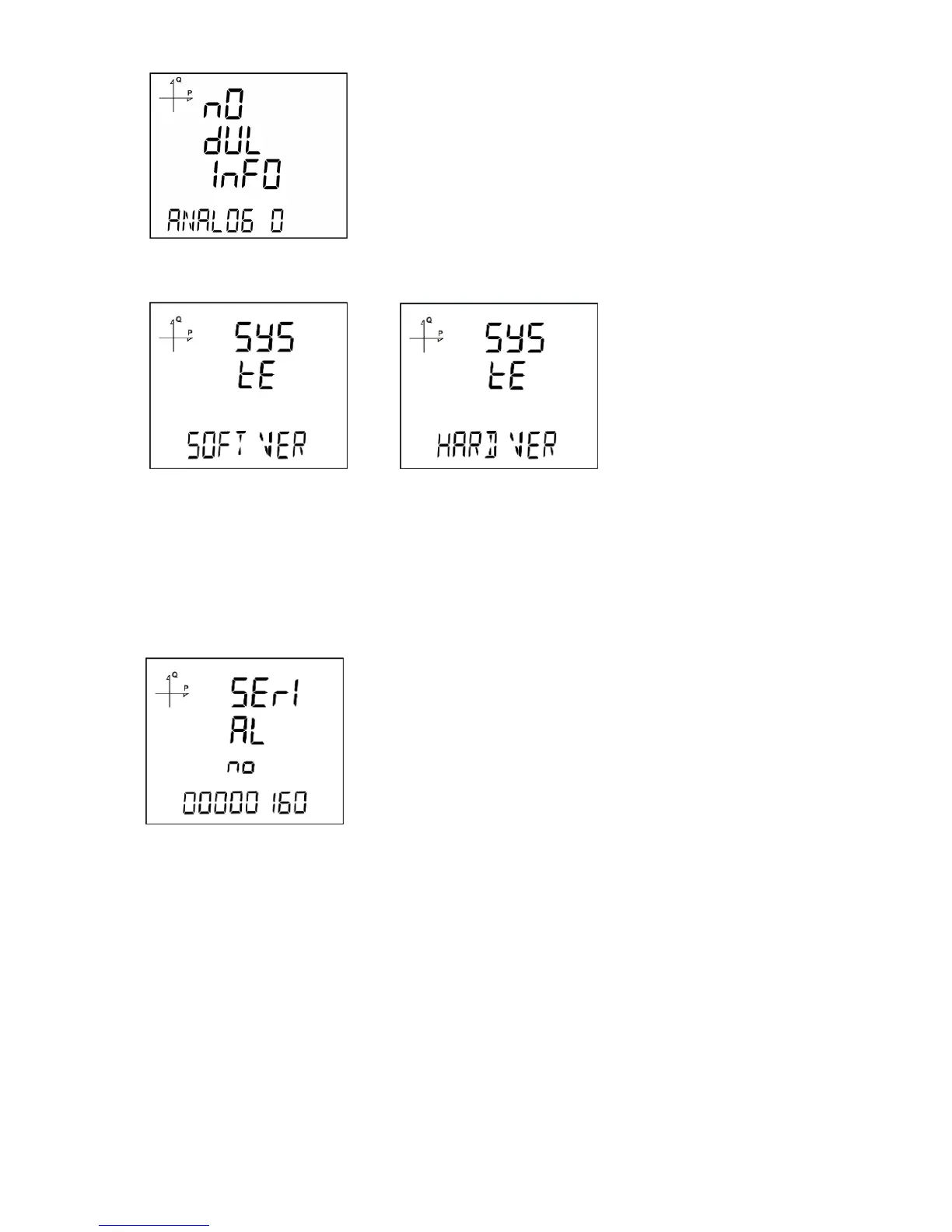
The device’s hardware and software version can be displayed under this menu:
1. Press the SET button while "Soft VER" is displayed under System menu.
2. Software version of the device will be displayed on the bottom of the screen.
3. When you press the UP button here, hardware version of the device will be displayed under "HArd
VerSIon".
Displaying Serial Number of the Device
1. Press the SET button while "Serial N" is displayed under System menu.
2. 8 digit serial number of the device will be displayed under "SErIAL no".



 To Next Page