55
1. Find "Pin Chng" option under System Menu. Press the SET button.
2. While "Pin CHAnGE" is displayed, press the SET button.
3. Enter the old pin digit by digit with UP/DOWN buttons.
4. If you enter the old pin incorrectly, "ERROR" will be displayed.
5. If “ERROR” is displayed, press the SET button and enter the pin again correctly.
6. If you enter the old pin correctly, "Pin CHnGnE" will be displayed.
7. Enter your new 4 digit pin and press the SET button.
8. Enter your new 4 digit pin again and press the SET button.
9. After entering the new pin correctly twice, "Pin CHAnGE CHANGED" will be displayed.
10. When exiting from the menu with the BACK or ESC button, don’t forget to save the changes. You can
use your new pin next time you enter the Setup Menu.
Resetting to Factory Settings
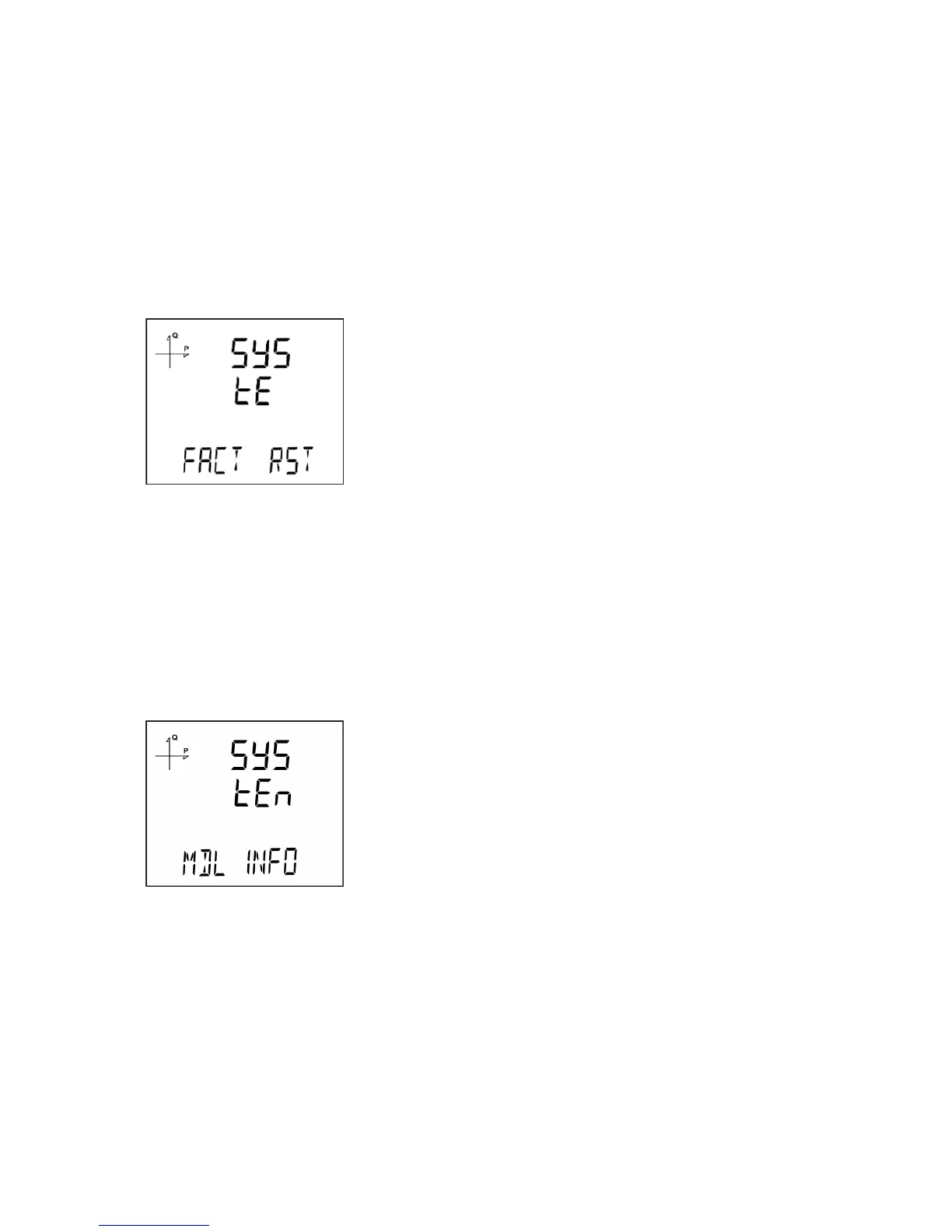
1. To reset the device to factory settings, press the SET button while "FACT RST" is displayed.
2. While "FACtorY rSET" is displayed, pin code must be entered when the SET button is pressed.
3. Enter your pin code with UP/DOWN buttons. Press the SET button.
4. If the pin is entered correctly, “No” will be displayed at the bottom of the screen.
5. Press the SET button and change the “No” option to “Yes” with UP/DOWN buttons.
6. When exiting from the menu with the BACK button, don’t forget to save the changes.
7. 3 seconds after you exit from the menu, device version will be displayed and device installation
process will start.
8. After completing the settings, voltage measurement screen will be displayed.
Displaying Module Information
Information about the module that is installed on the device can be displayed under this menu.
When the SET button is pressed on the screen shown above, module information is displayed as below



 To Next Page