45
Pulse Output Duration Setting
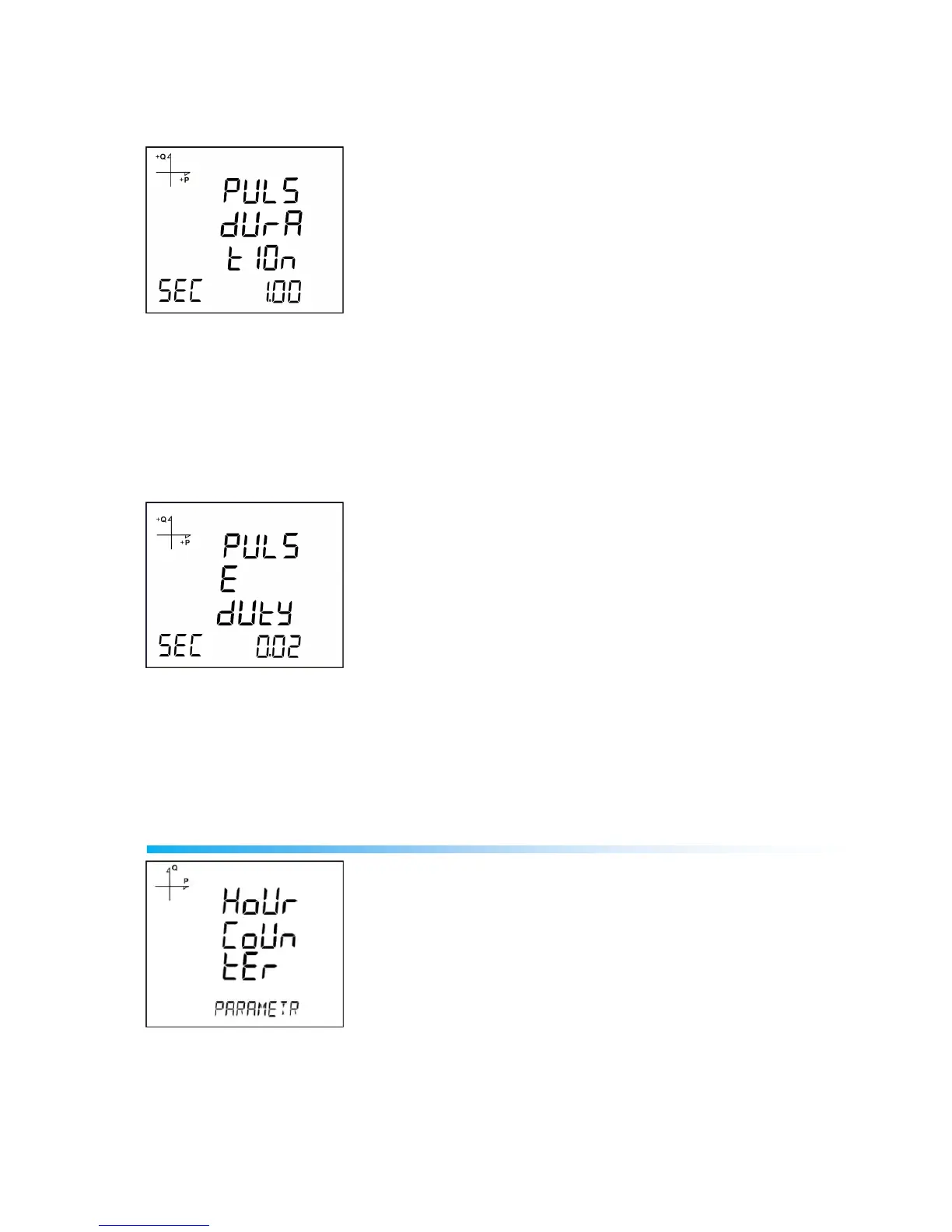
The duration during the pulse stays at logic-1 level is entered here.
1. Press SET button while PULS DURATION is displayed.
2. Enter the duration in seconds with 0.01 second increments with UP/DOWN buttons.
3. Exit from the menu when selection is complete.
4. When exiting from the menu with the BACK or ESC button, don’t forget to save the changes.
Pulse Output Inactive Time Setting
The duration during the pulse stays at logic-0 level is entered here.
1. Press SET button while PULSE DUTY is displayed.
2. Enter the inactive time in seconds with 0.01 second increments with UP/DOWN buttons.
3. Exit from the menu when selection is complete.
4. When exiting from the menu with the BACK or ESC button, don’t forget to save the changes.
Operating Hours Settings
The device can count the time when a selected parameter exceeds or falls below an adjusted limit value.
This feature is explained in this section.
Parameter is selected under Hour Counter menu. If you select VLN for example, display changes as
following.



 To Next Page