43
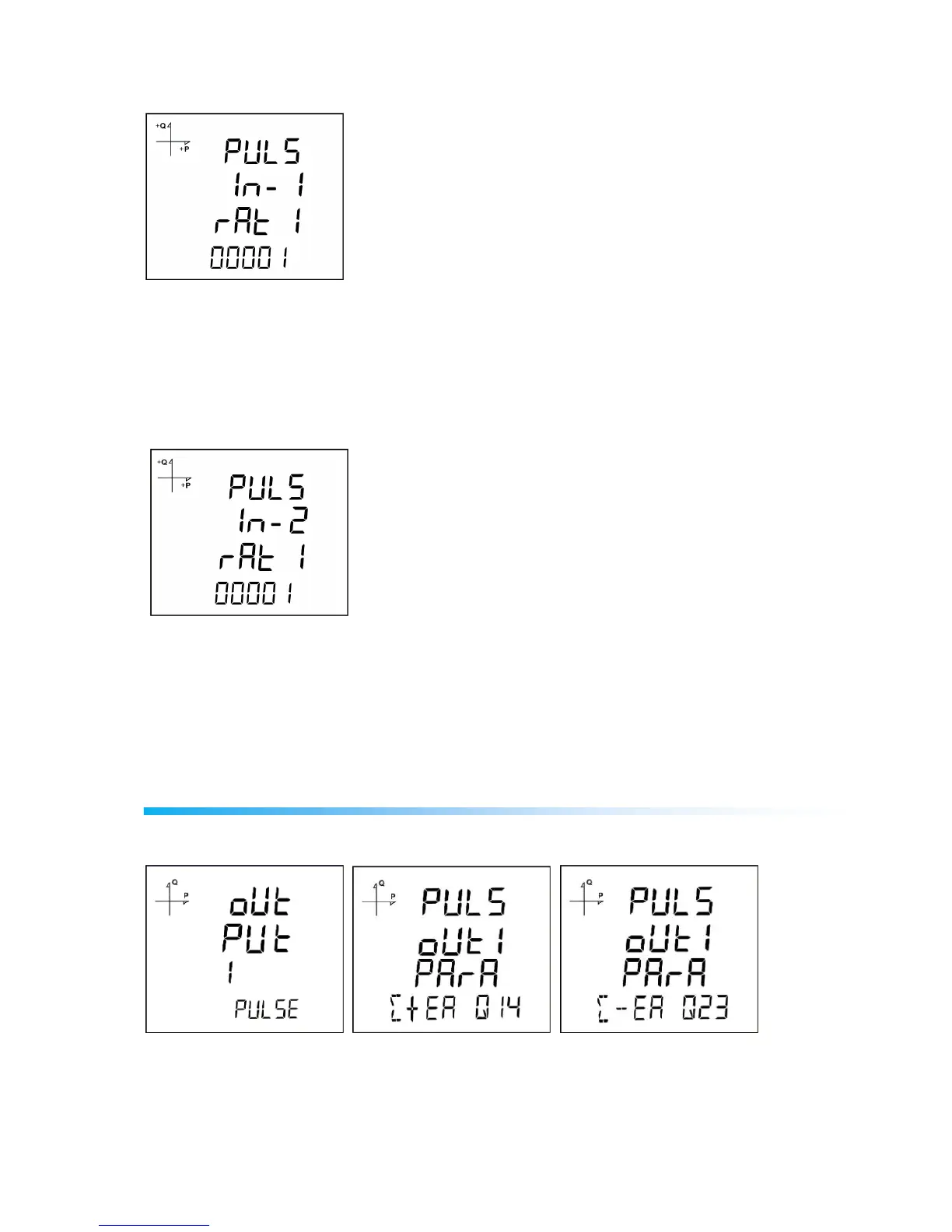
Selecting Pulse-1 Ratio
1. Press UP button while PULSE IN-1 Enable is displayed.
2. This value indicates for how many incoming pulses the device will increase the pulse counter. Select
this value as displayed above.
3. Exit from the menu when selection is complete.
4. When exiting from the menu with the BACK or ESC button, don’t forget to save the changes.
Selecting Pulse-2 Ratio
1. Press UP button while PULSE IN-2 Enable is displayed.
2. This value indicates for how many incoming pulses the device will increase the pulse counter. Select
this value as displayed above.
3. Exit from the menu when selection is complete.
4. When exiting from the menu with the BACK or ESC button, don’t forget to save the changes.
Pulse Output Settings
Pulse Output According to Active Energy
1. Press UP button while OUTPUT 1 PULSE is displayed.
2. Select the energy value for which the device will create pulse signals.
3. Exit from the menu when selection is complete.
4. When exiting from the menu with the BACK or ESC button, don’t forget to save the changes.



 To Next Page