44
When Pulse Output is selected, the device can create pulses for import or export active energy according
to the increments listed below.
Import or export energy can be selected as the source.
1. 1 Wh
2. 10 Wh
3. 100 Wh
4. 1 kWh
5. 10 kWh
6. 100 kWh
7. 1 MWh.
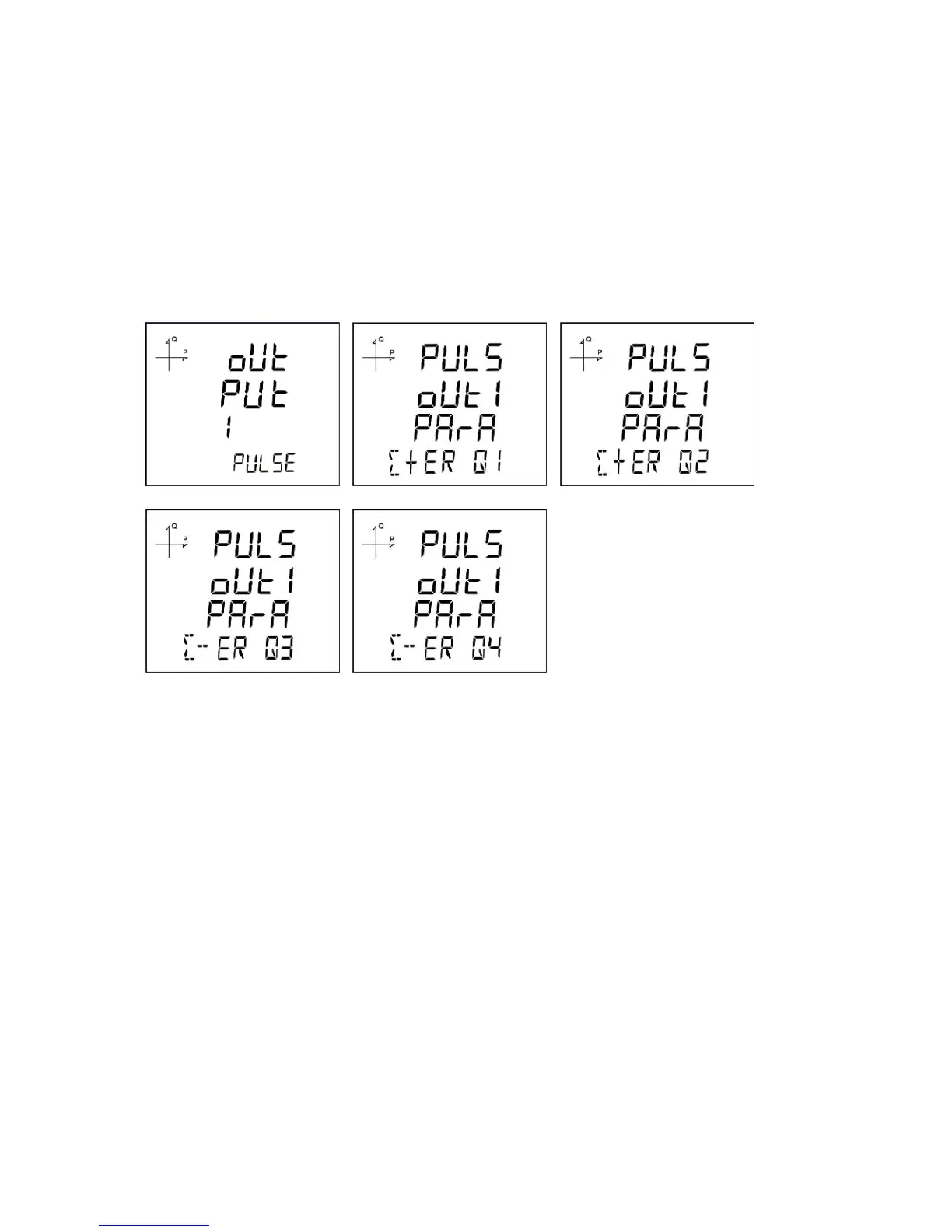
Pulse Output According to Reactive Energy
1. Press SET button while OUTPUT 1 PULSE is displayed.
2. Select the energy value for which the device will create pulse signals.
3. Exit from the menu when selection is complete.
4. When exiting from the menu with the BACK or ESC button, don’t forget to save the changes.
When Pulse Output is selected, the device can create pulses for import or export reactive energy
according to the increments listed below.
Reactive energy values from Q1, Q2, Q3 and Q4 quadrants can be used as source.
1. 1 VArh
2. 10 VArh
3. 100 VArh
4. 1 kVArh
5. 10 kVArh
6. 100 kVArh.
7. 1 MVArh



 To Next Page