37
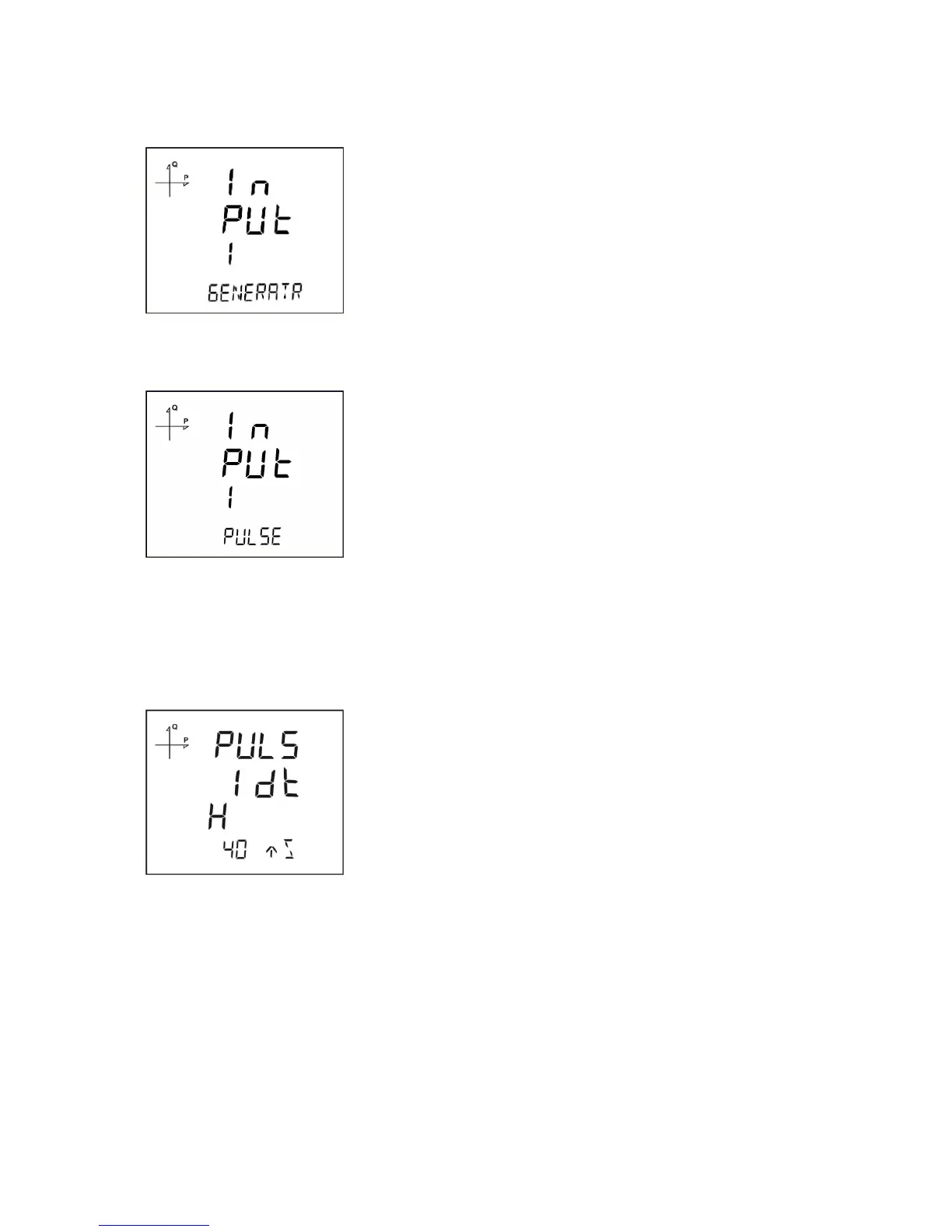
2. Generator Input: When this option is selected, the device records the energy to the generator register
depending on the input state.
3. Pulse Input: When this option is selected, the device can count the pulses that occur on the input. It
can display the pulse count on monitoring screens under "Pulse Cntr C-1" section.
1. Press the SET button while on Inputs menu.
2. On the displayed selection screen, press the SET button to start the selection.
3. Select one of the digital, generator or pulse options by using UP/DOWN buttons.
4. When exiting from the menu with the BACK or ESC button, don’t forget to save the changes.
Pulse Width Setting
For devices with pulse counting feature, the minimum time necessary for the pulse counting can be
selected from following options:
1. 40 milliseconds
2. 60 milliseconds
3. 80 milliseconds
4. 100 milliseconds
5. 150 milliseconds
6. 200 milliseconds
7. 300 milliseconds
8. 400 milliseconds
9. 500 milliseconds
The device will ignore pulses that have width less than the selected value.



 To Next Page