VUDU Movies
VUDU Movies
4544
My Wish List: List of all the movies and TV shows you want to watch but have
not yet purchased or rented.
Info & Settings
Manage your VUDU account and set Parental Controls to limit access to certain
content.
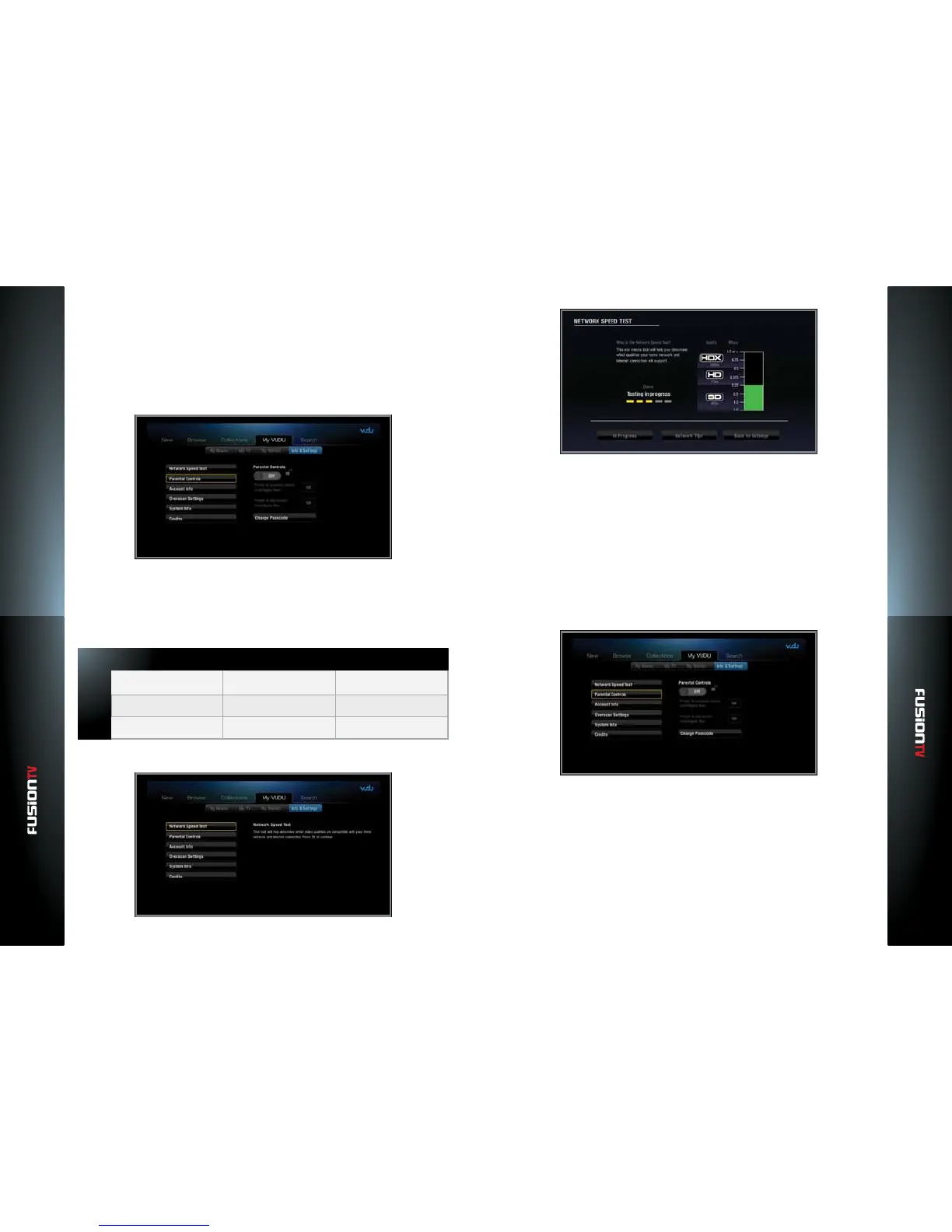
Network Speed Test
In order to use the VUDU service, your Internet bandwidth will need to be
at least 1Mbps. The table below will help to determine the best bandwidth
required for the video quality you want to watch:
Sound Bandwidth RequiredVideo Resolution
SD
HD
HDX
480p Stereo 1 - 2 Mbps
720p 5.1 Surround Sound
5.1 Surround Sound
2.25 - 4.5 Mbps
1080p 4.5 - 9 Mbps
You can test your network speed by running the Network Speed Test.
Parental Controls
By modifying Parental Controls, you can exclude titles with a certain MPAA
rating from appearing in your VUDU library.
NOTE: VUDU Parental Controls are independent to what you may have set for Parental Controls
within the “SETTINGS“ menu for the Entone device.
Setting Parental Controls
Enabling / Disabling Parental Controls: Select the “lock” icon to turn
“ON/OFF” parental controls.
Prompt to purchase movies: By modifying this setting, you can require
the passcode be entered to rent or purchase movies above a certain MPAA
rating. Additionally, you can require that the passcode be entered to
purchase any title by selecting “NR”.
Prompt to play movies: By modifying this setting, you can require the
passcode be entered to play already rented or purchased movies above
a certain rating using the MPAA ratings. Additionally, you can require the
passcode be entered to play any title by selecting “NR”.
— NR: All movies available from VUDU will be shown.



 To Next Page