Initial Installation
QUALIFIED INSTALLERS ONLY
aiR RestRictoR:
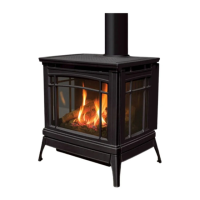
When installing the Berkeley with 10ft (3.05m) or more of vertical venting it may be necessary to restrict the
fresh air supply in the rebox to control the combustion and ame appearance. To install the air restrictor
supplied with the uint the cabinet front and glass door must remove as outlined on page 12 in the
maIntenance
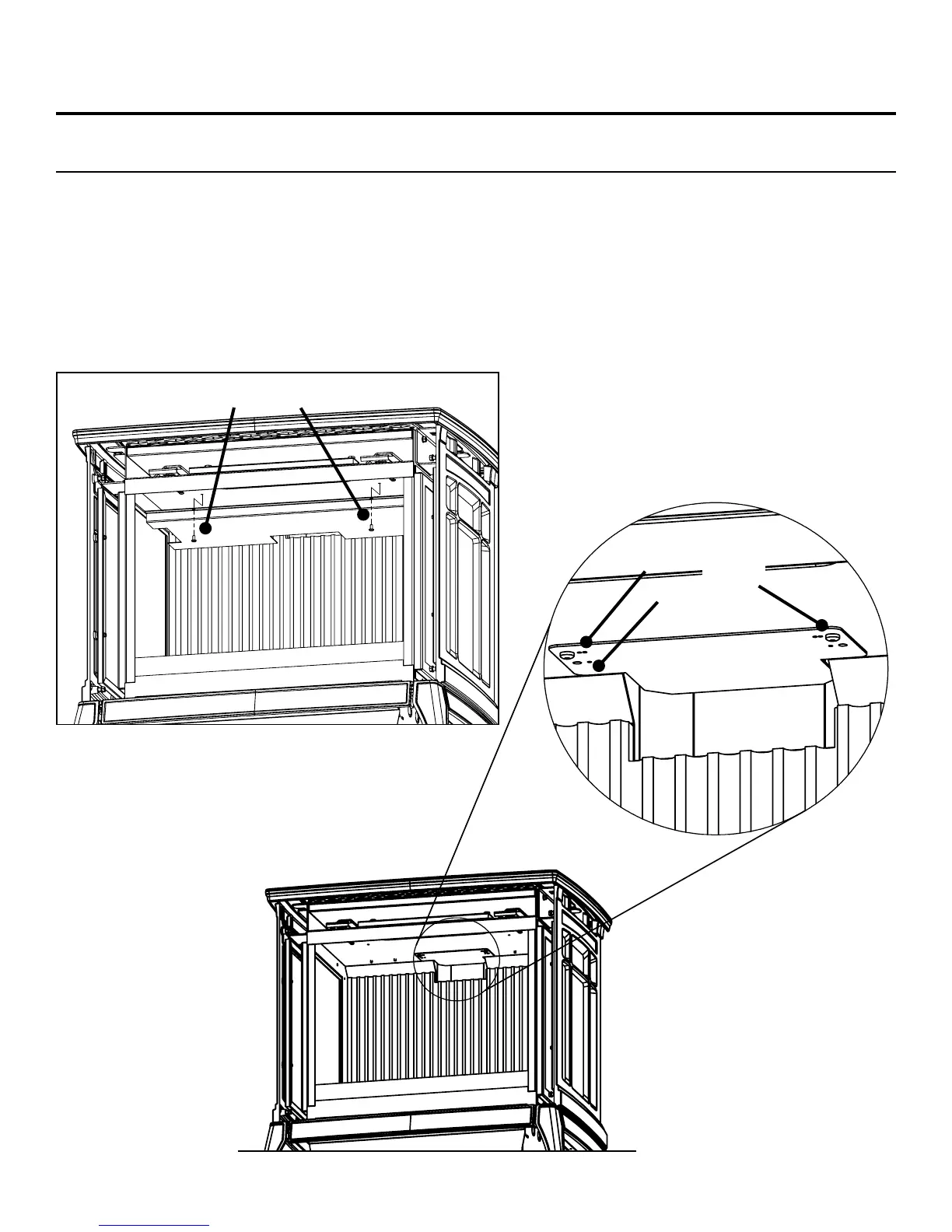
anD serVIce section. The rebox bafe must be removed next by removing the two front screws using a T20
screwdriver (Figure 35). Next, remove the restrictor set screws and install the restrictor at the desired setting
(refer to Figure 36) and tighten the set screws to hold it in place. Refer to Figure 34 on the previous page for the
correct restrictor setting to use in accordance with your installation. Re-install the bafe, glass door, and cabinet
front before operating the Berkeley.
#2
#1
Figure 36: Installation of Air Restrictor
Bafe Screws
Figure 35: Bafe Removal
Set
Screw
Air
Restrictor
26


 To Next Page