Secondary Installation
safety scReen RepLacement:
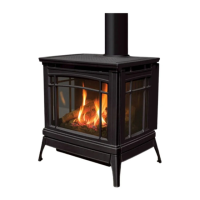
The Berkeley is supplied with safety screens already installed on the back of the cast front and sides. If a safety
screen becomes damaged must it be replaced with either part number 50-3243 (front) or 50-3244 (side) by
following the steps below:
Step 1: Turn off the Berkeley and allow it to fully cool down.
Step 2: Remove the cast top by simply lifting up and lay it down on a blanket or other soft surface to prevent
from scratching the nish.
Step 3: Remove the cast door as directed in
maIntenance anD serVIce - cast Door remoVal.
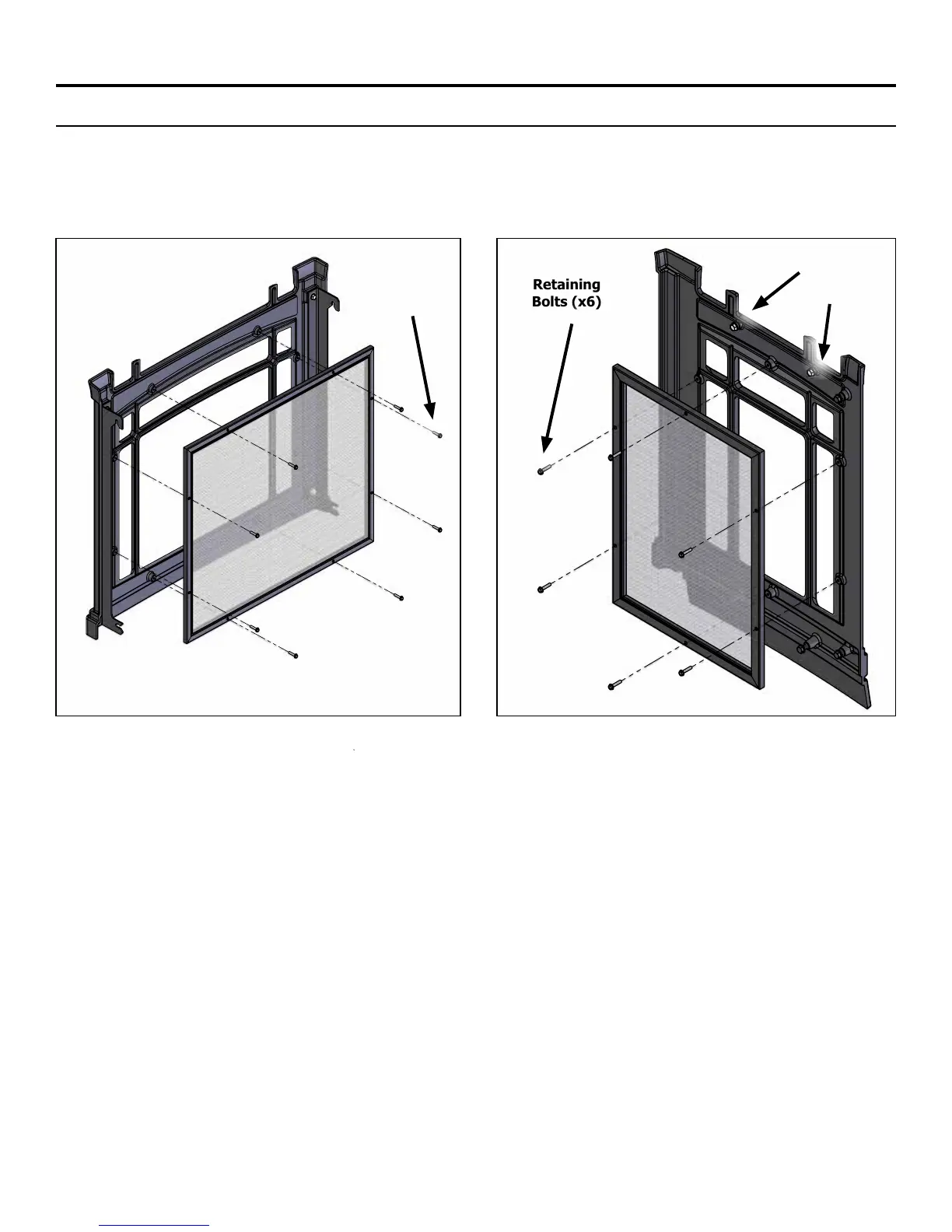
Step 4: If replacing the side screen skip to step 5. If replacing the front screen remove the eight (8) retaining
bolts (Figure 51) using a 1/4” socket and remove the damaged screen while noting the orientation. Install the
new screen (50-3243) by simply re-installing the retaining bolts. Re-install the cast door and top to nish.
Step 5: Remove the cast side (left or right) by loosening the two (2) top mount bolts (Figure 47) using a 3/8”
wrench. Next, lift up to remove the cast side and lay it down on a soft surface.
Step 6: Remove the six (6) retaining bolts (Figure 52) using a 1/4” socket and remove the damaged screen while
noting the orientation. Install the new screen (50-2344) by simply re-installing the retaining bolts.
Step 7: Re-install the cast side and tighten the two (2) top mount bolts. Re-install the cast door and top to nish.
Figure 51. Safety Screen Removal - Front
Retaining
Bolts (x8)
36
Front Screen Side Screen
Figure 52. Safety Screen Removal - Side
Retaining
Bolts (x6)
Mount
Bolts (x2)


 To Next Page