EasyManua.ls Logo

epic power CAN - 8 Pdo Configuration; PDO Mapping; RPDO Configuration

epic power CAN
43 pages
Print Icon
To Next Page IconTo Next Page
To Previous Page IconTo Previous Page
Loading...
34
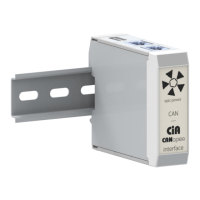
CAN - CANopen Interface
Installation guide
8. PDO CONFIGURATION
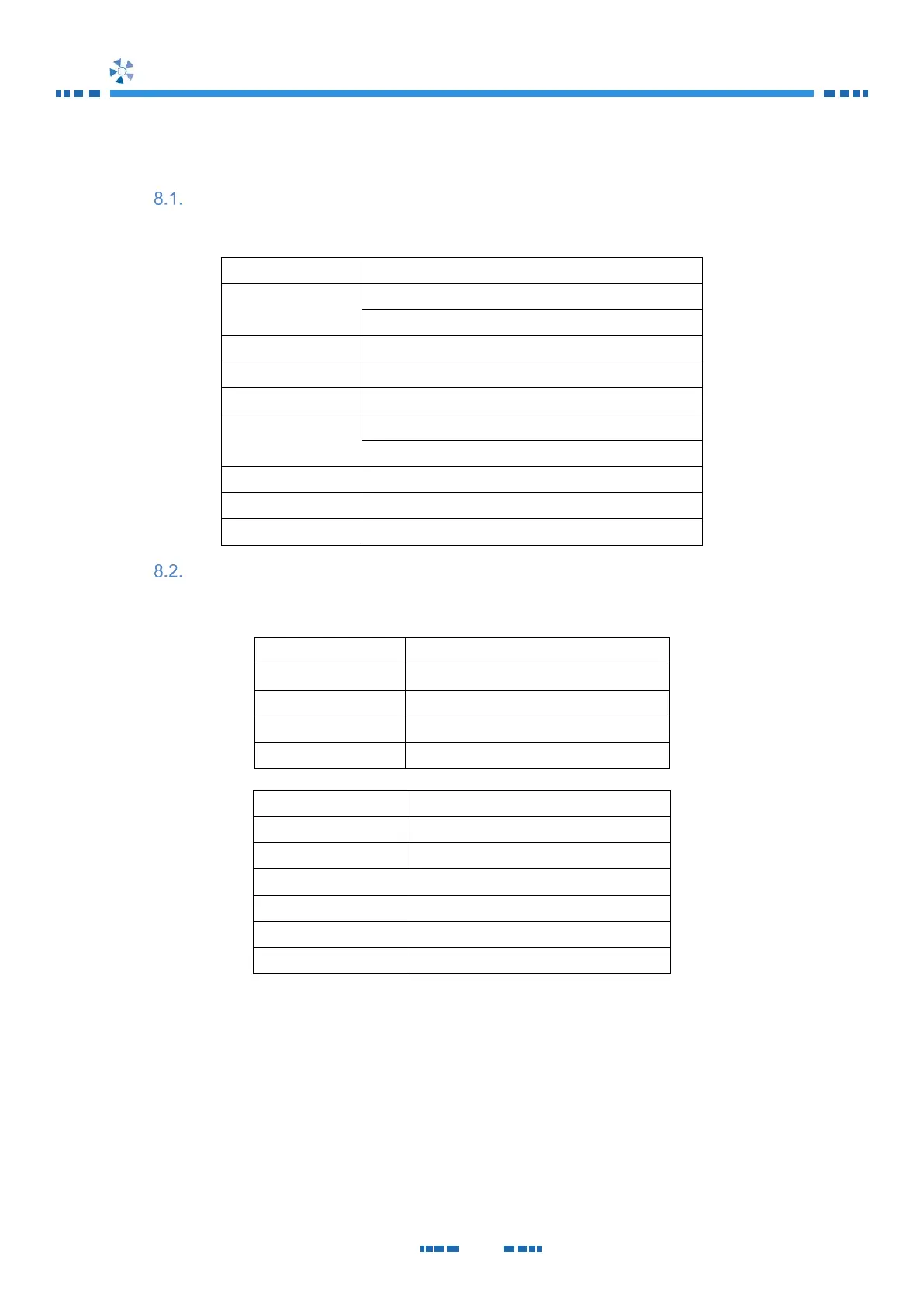
PDO mapping
PDO mapping is according to CiA 453.
PDO no
Mapped objects
RPDO 1
Output 1 commands ON/OFF
Output 1 commands Quit
RPDO 2
RPDO 3
Output 1 Set values Set current
RPDO 4
Output 1 Set values Set power
TPDO 1
Device status condition
Device failure status - condition
TPDO 2
Output 1 actual values Actual voltage
TPDO 3
Output 1 actual values Actual current
TPDO 4
Output 1 actual values Actual power
RPDO configuration
RPDO configuration is according to CiA 453.
Index
1400
h
Name
RPDO 1 communication parameter
Object code
RECORD
Data type
PDO_COMMUNICATION_PARAMETER
Category
See /CiA453/
Sub-index
00
h
Description
Highest sub-index supported
Entry category
Mandatory
Access
Const
PDO mapping
No
Value range
02
h
to 05
h
Default value
05
h