102
Note: If you have an Internet connection, it is a good idea to check for updates to your product software
on Epson's support website or using Epson Software Updater.
Selecting Basic Print Settings - Mac
Selecting Page Setup Settings - Mac
Selecting Print Layout Options - Mac
Managing Color - Mac
Selecting Printing Preferences - Mac
Printing Your Document or Photo - Mac
Parent topic: Printing from a Computer
Related tasks
Checking for Software Updates
Selecting Basic Print Settings - Mac
Select the basic settings for the document or photo you want to print.
1. Open a photo or document for printing.
2. Select the print command in your application.
Note: You may need to select a print icon on your screen, the Print option in the File menu, or
another command. See your application's help utility for details.
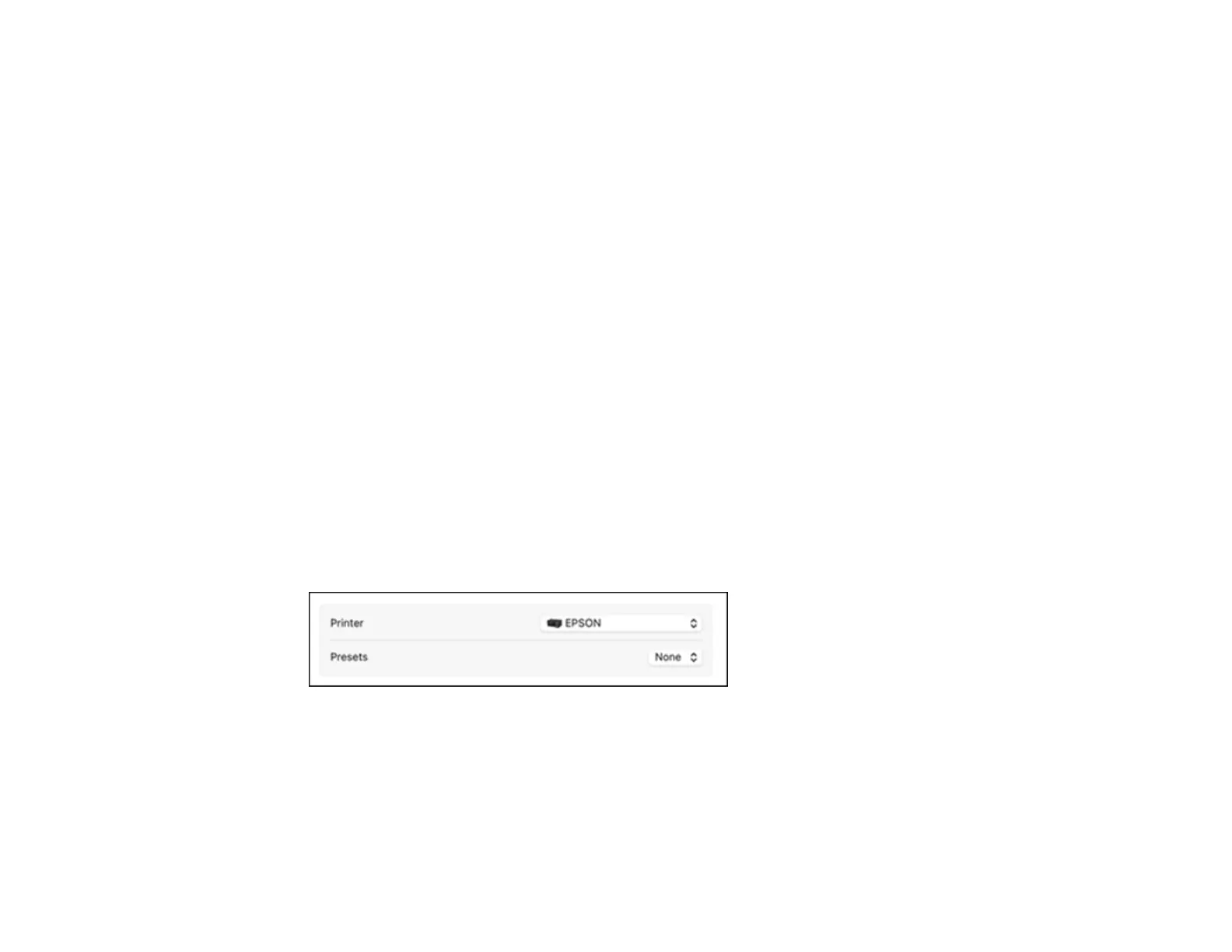
3. Select your product as the Printer setting.



 To Next Page