265
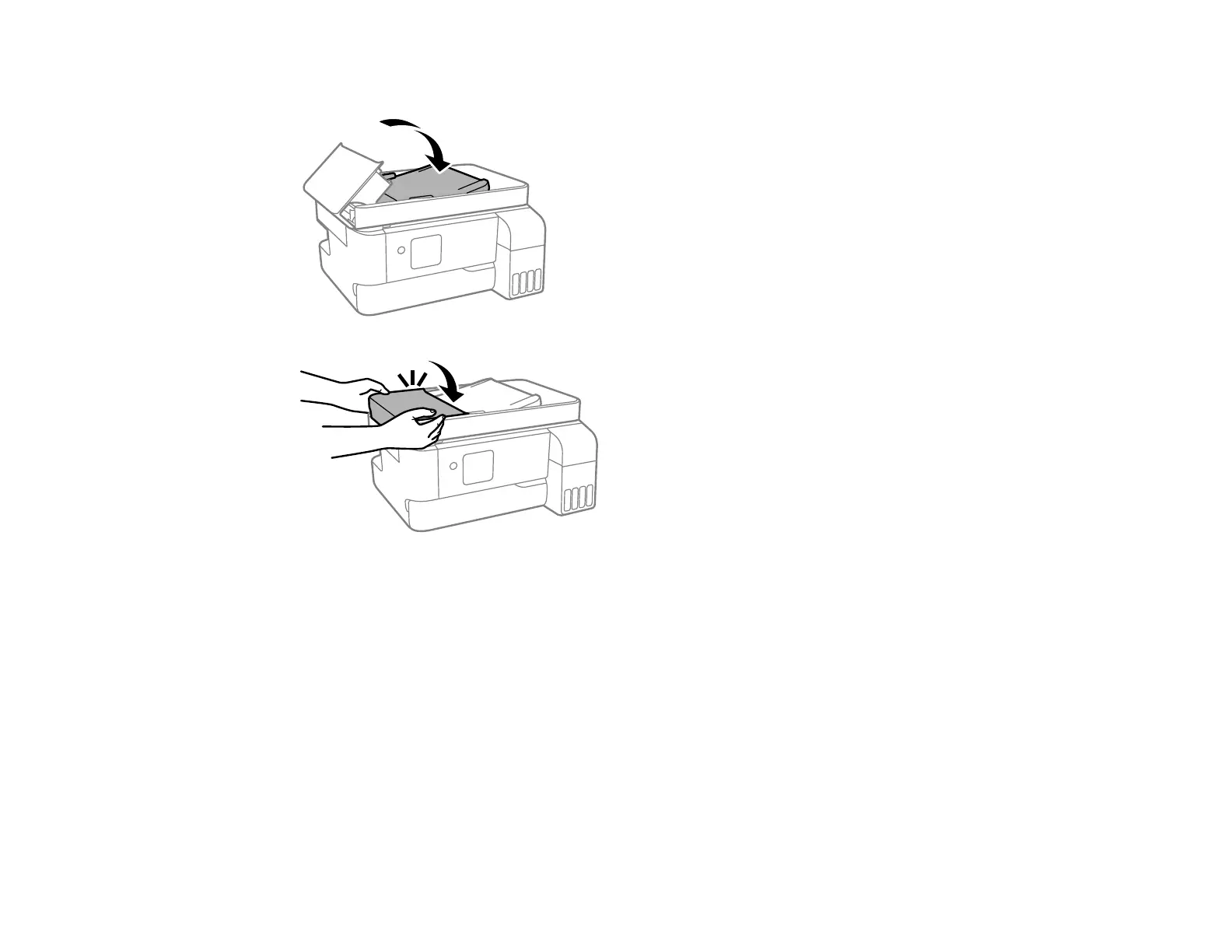
7. Close the ADF input tray, then close the ADF cover until it clicks into place.
8. Reload your originals.
Caution: Do not load originals above the arrow mark on the ADF edge guide. Also make sure your
originals are not creased or folded, and do not contain holes, staples, tape, or other materials that
could obstruct the feeder.
Parent topic: Solving Paper Problems
Paper Ejection Problems
If you have problems with paper ejecting properly, try these solutions:
• If paper does not eject fully, you may have set the wrong paper size. Cancel printing to eject the paper.
Select the correct paper size when you reprint.



 To Next Page