19
4
stop button
5 Keypad
6 C clear button
7 start button
8
reset button
9 received fax light
10
home button
Parent topic: Using the Control Panel
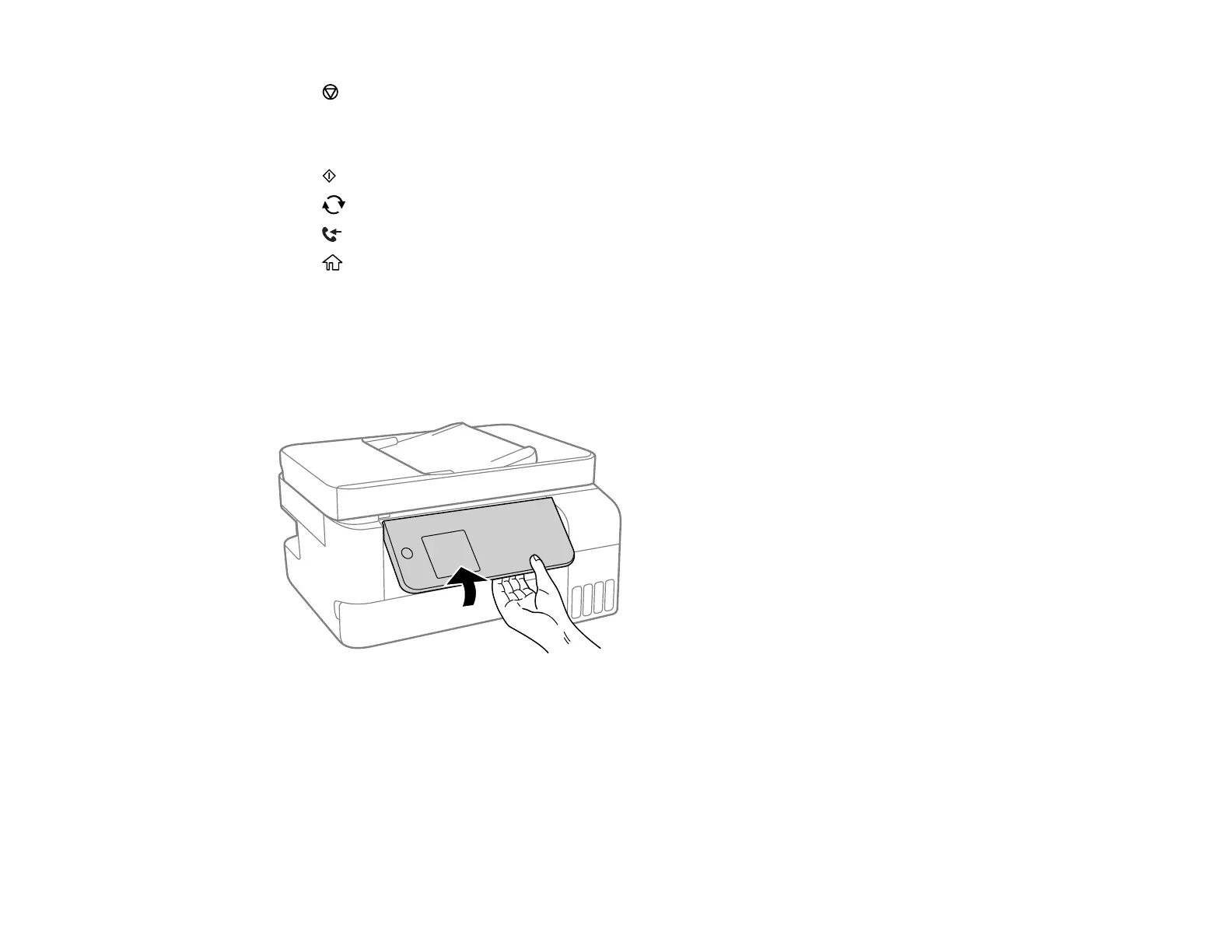
Adjusting the Control Panel Position
You can adjust the position of the control panel to make it easier to access. Raise or lower it to the
desired angle as shown.
Parent topic: Using the Control Panel
Navigating the LCD Screen
You can navigate the menus on the LCD screen using the arrow buttons on the control panel. To change
a setting, press the arrow buttons to highlight the setting then press the OK button to select it.
Follow these guidelines to view the menus and settings on the LCD screen.



 To Next Page