20
Menu Description
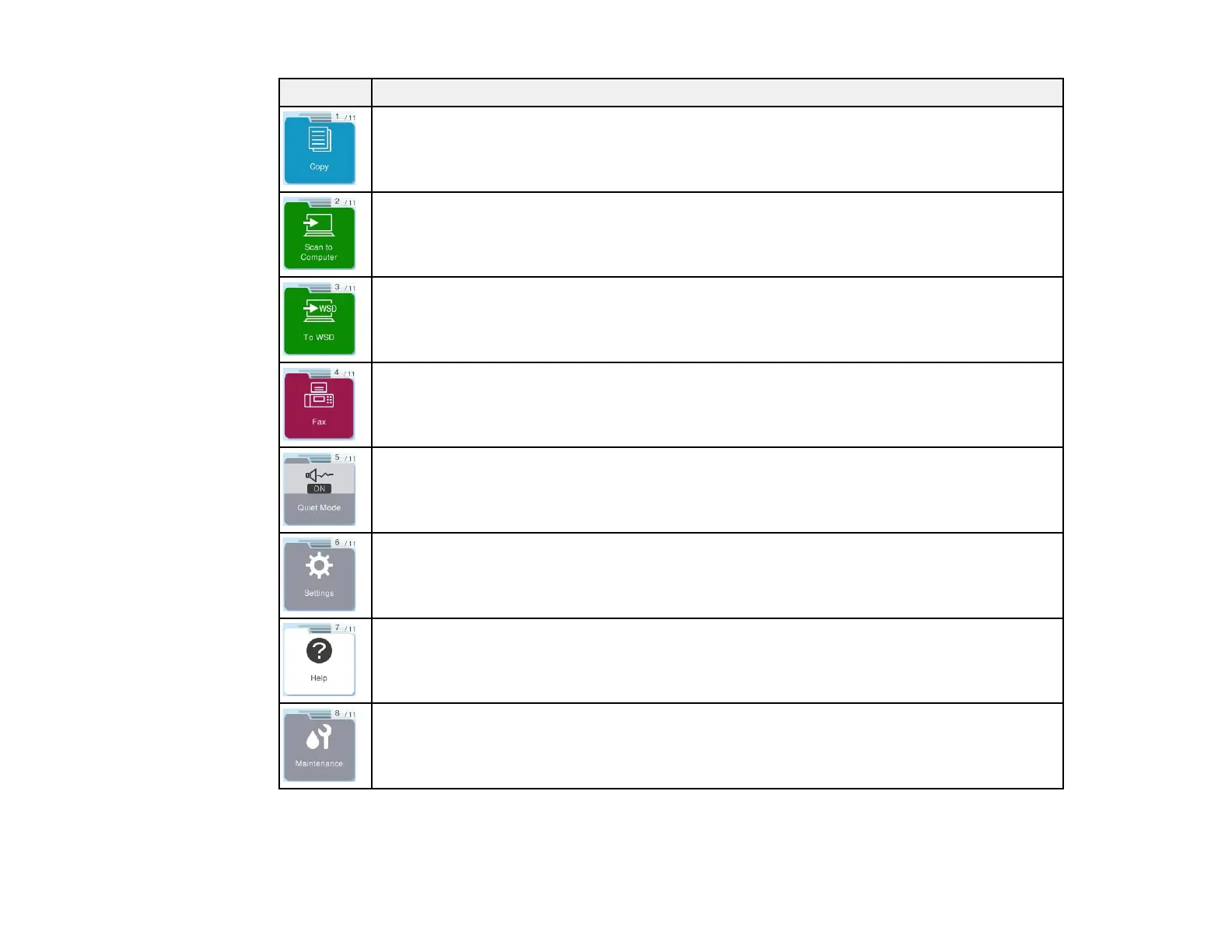
Select to copy a document or photo
Select to scan a document or photo and save it to a computer
Select to scan a document or photo and save it to a computer using the WSD feature
Select to send a fax; use the Fax Setting Wizard to configure basic settings in advance
Select to change the Quiet Mode settings. When Quiet Mode is enabled, and depending
on the selected paper type and print quality, noise is reduced during printing at the cost of
print speed. To give priority to print speed, select On (Low Level).
Select to make settings related to maintenance and various other printer operations
Select to display the Help screen; you can also view instructions on common procedures
and find solutions if you experience a problem
Select to display menus for improving the quality of your printouts, such as printing a
nozzle check pattern and performing head cleaning, and aligning the print head



 To Next Page