174
Parent topic: Sending Faxes from the Product Control Panel
Sending a Fax at a Specified Time
You can send a fax at a time of your choice. You can only schedule one fax at a time.
Note: Make sure the product's date and time settings are correct. You can only send faxes in black-and-
white when you use this option.
1. Place your original on the product for faxing.
2. Press the home button, if necessary.
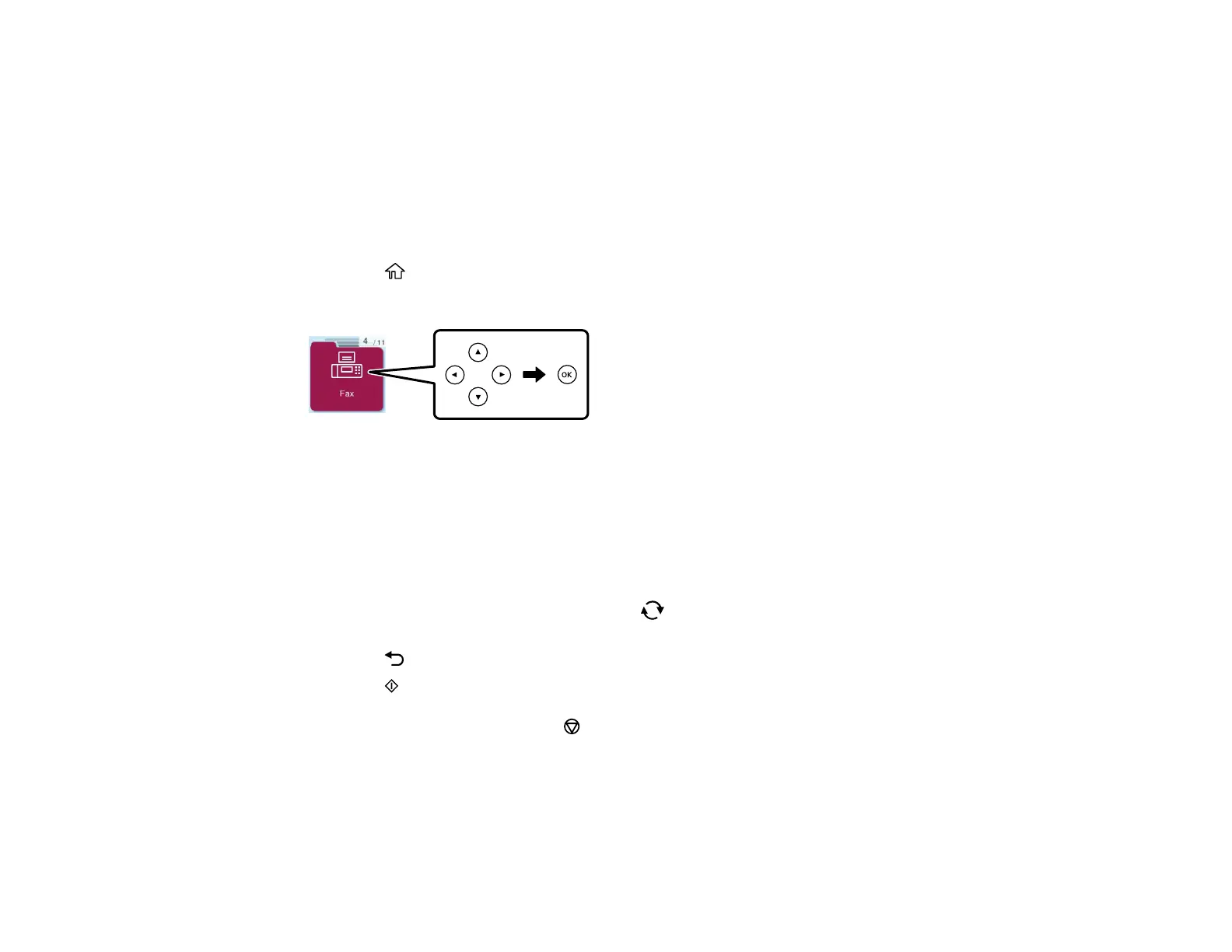
3. Press the arrow buttons to select Fax, then press the OK button.
4. Use the numeric keypad to enter a fax number or select a number from the Contacts or Recent list.
5. Press the OK button to open the Fax menu.
6. Select Fax Send Settings and press the OK button.
7. Select Send Fax Later and press the OK button.
8. Select On and press the OK button.
9. Use the numeric keypad, and the arrow and reset buttons, to enter your desired time. Then press
the OK button.
10. Press the back button twice to return to the Fax screen.
11. Press the start button to send the fax.
Note: To cancel faxing, press the stop button.
After scanning your originals, your product dials the number and sends the fax at the specified time.
Note: If the product is turned off at the specified time, the fax is sent when you turn it back on.



 To Next Page