170
1. Press the home button, if necessary.
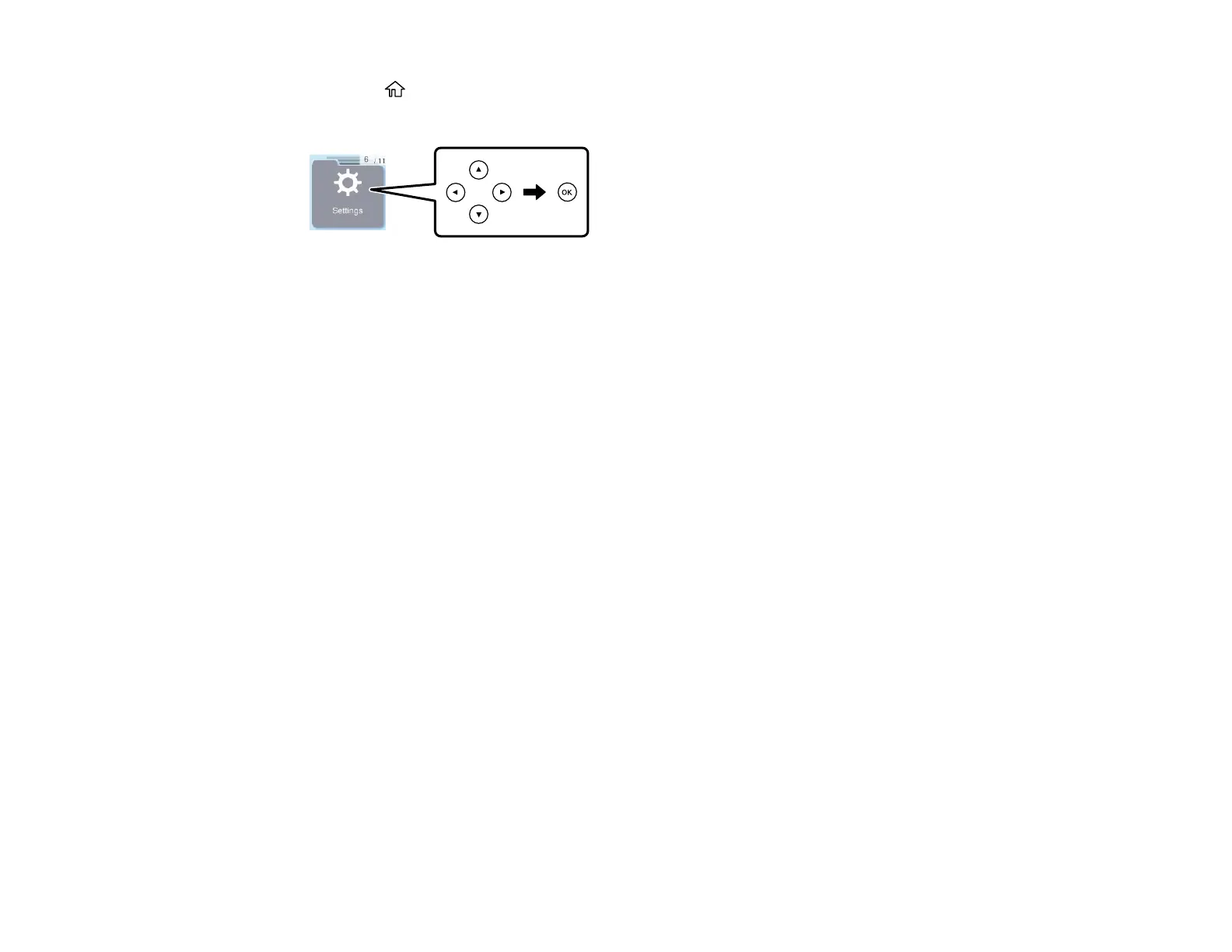
2. Press the arrow buttons to select Settings, then press the OK button.
3. Select Contacts Manager press the OK button.
4. Do one of the following:
• To edit a contact or group, select Edit then select the entry you want to edit. Enter the correct
information and press the OK button on the Details screen to add the entry.
• To delete a contact or group, select Delete then select the entry you want to delete. Press the OK
button. Press it again on the confirmation screen.
Parent topic: Setting Up Contacts Using the Product Control Panel
Sending Faxes
See these sections to send faxes using your product.
Sending Faxes from the Product Control Panel
Sending Faxes Using the Fax Utility - Windows
Sending Faxes Using the Fax Utility - Mac
Parent topic: Faxing
Sending Faxes from the Product Control Panel
See these sections to send faxes using the product's control panel.
Sending a Fax Using the Keypad, Contact List, or History
Fax Sending Options
Sending a Fax at a Specified Time
Dialing Fax Numbers from a Connected Telephone
Parent topic: Sending Faxes



 To Next Page