199
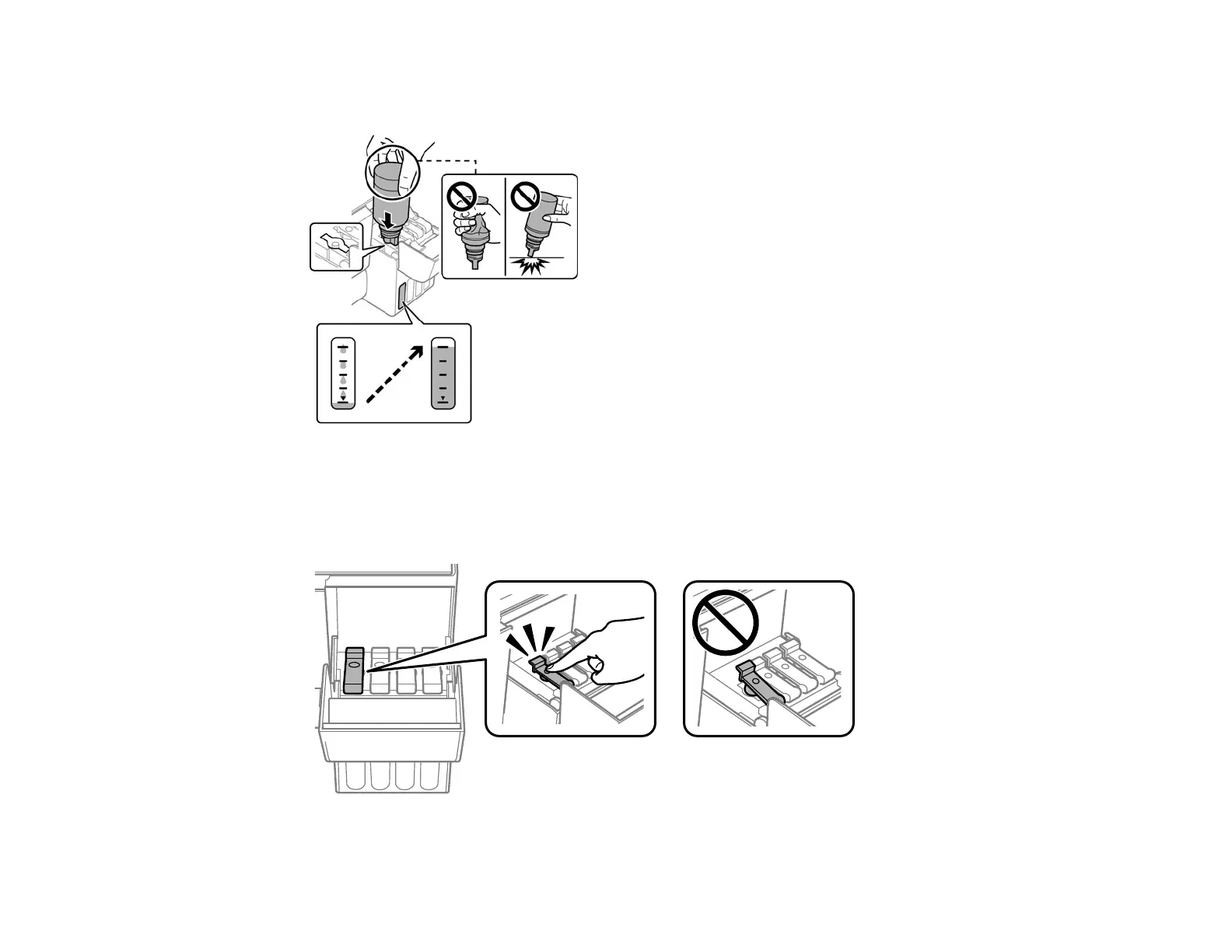
9. Insert the bottle into the ink filling port and wait for the ink to fill the tank. Do not squeeze the bottle.
Ink flows into the tank and stops automatically when the ink is filled to the upper line.
Note: If ink does not flow from the bottle, lift and reinsert the bottle. If the ink has reached the upper
line of the tank, do not remove and reinsert the bottle or ink may leak.
10. When the ink tank is full, remove the ink bottle and securely close the ink tank cap.










 To Next Page