229
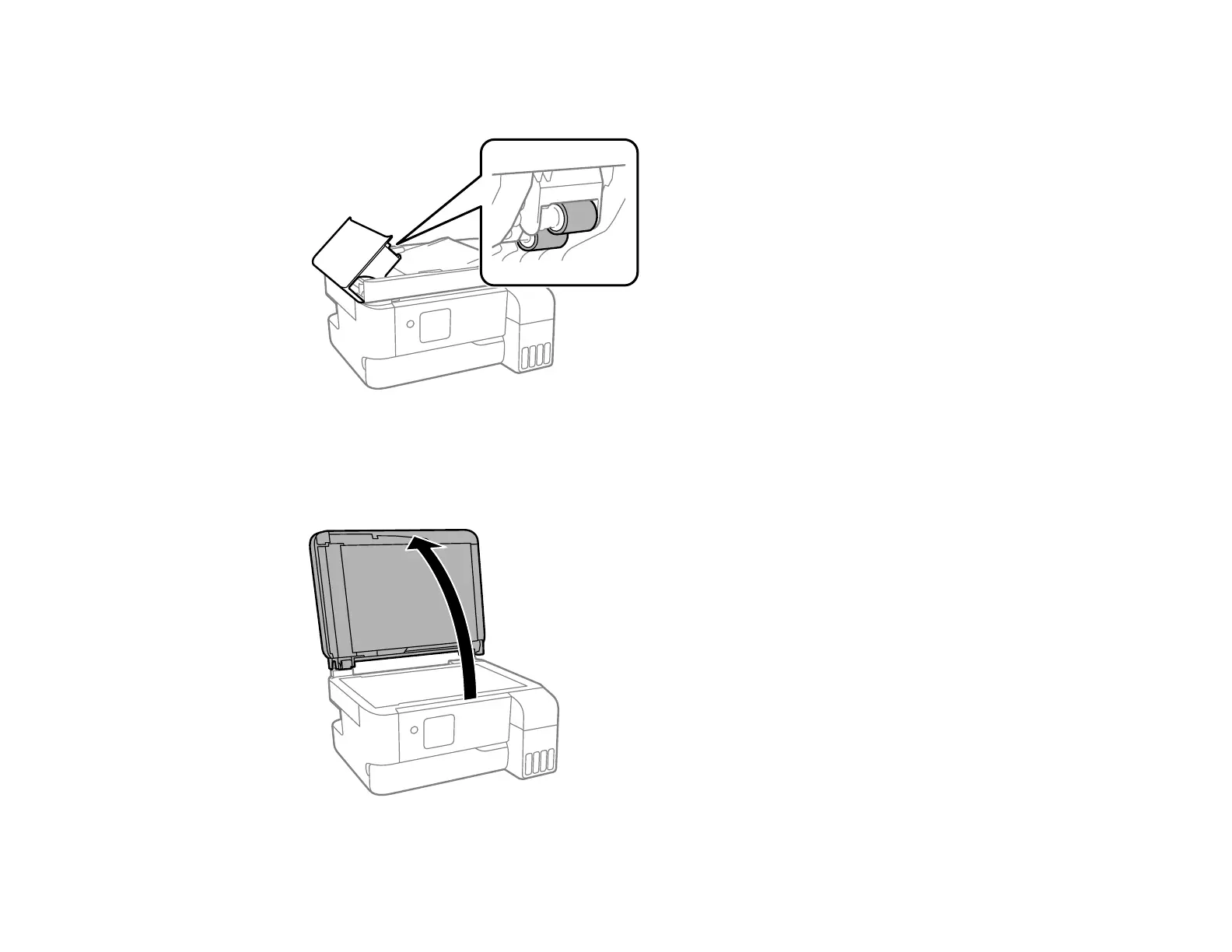
6. Use a soft, moist, lint-free cloth (microfiber is recommended) to clean the rollers and the interior of
the ADF.
Caution: Do not use a dry cloth to clean the rollers; you may damage the surface of the rollers. Let
the rollers dry before using the ADF.
7. Close the ADF cover, then open the document cover.










 To Next Page