231
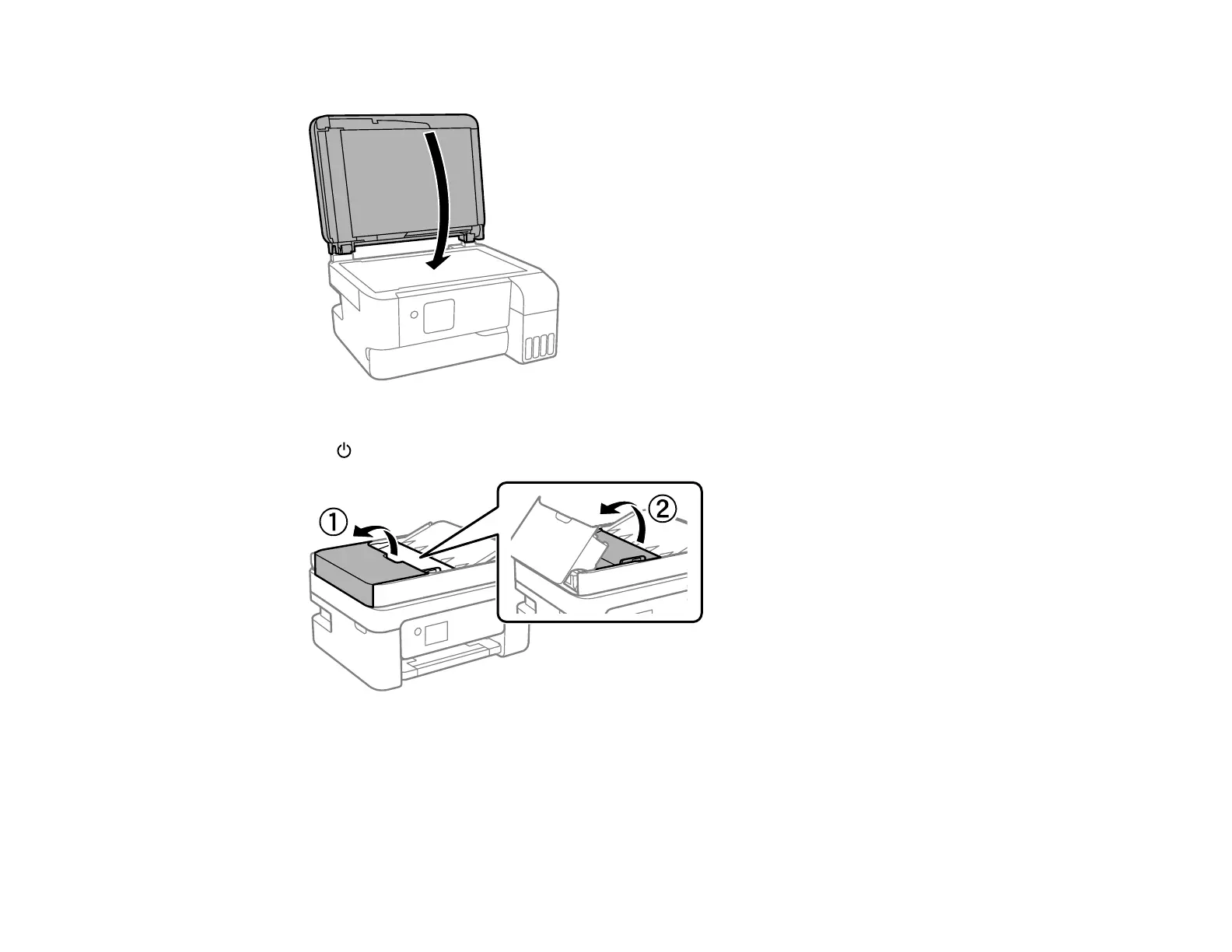
9. Close the document cover.
10. If copied or scanned images from the ADF are still smeared after cleaning it, turn off the printer using
the power button, open the ADF cover, and raise the ADF input tray.
Caution: Make sure the ADF cover is opened before raising the ADF input tray or the ADF may be
damaged.



 To Next Page