73
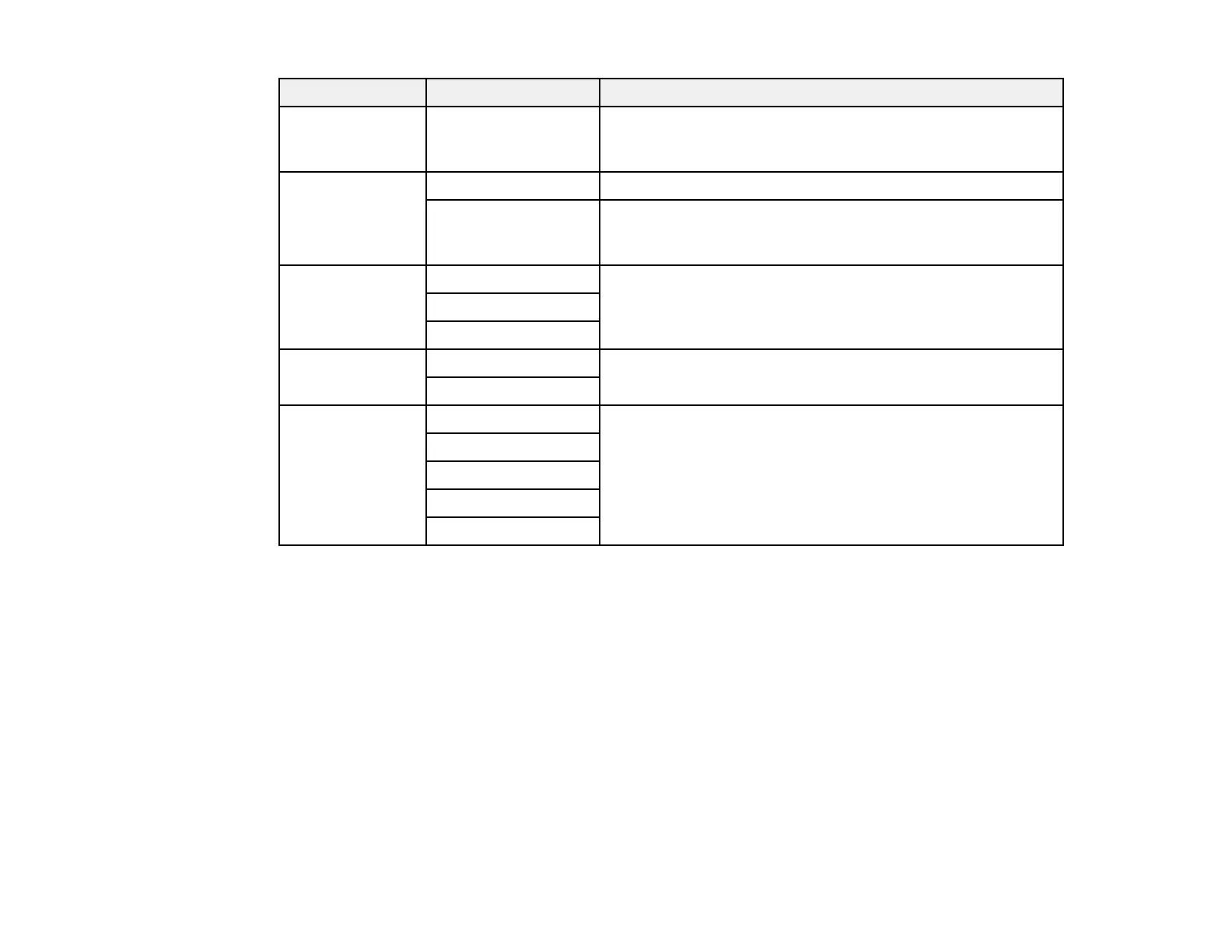
Copying option Available settings Description
Original Size Various sizes Select the document size of your original. When copying
non-standard size originals, select the size closest to your
original.
Multi-Page Single Page Copies each page of the original onto an individual sheet
2-up Copies two single-sided originals onto one sheet. Scroll
down and select the document orientation and layout order
settings as necessary.
Quality Draft Adjusts the quality of your copies; selecting High provides
higher quality printing, but the printing speed may be slower.
Standard
High
ID Card Copy Off Select On to copy both sides of an ID card onto one side of
a sheet of paper
On
Borderless Copy Off Copies the original without margins around the edges. The
image is enlarged a little to remove margins from the edges
of the paper. Select On to adjust the amount to expand the
original when printing borderless copies.
On
Standard
Medium
Minimum
Parent topic: Copying



 To Next Page