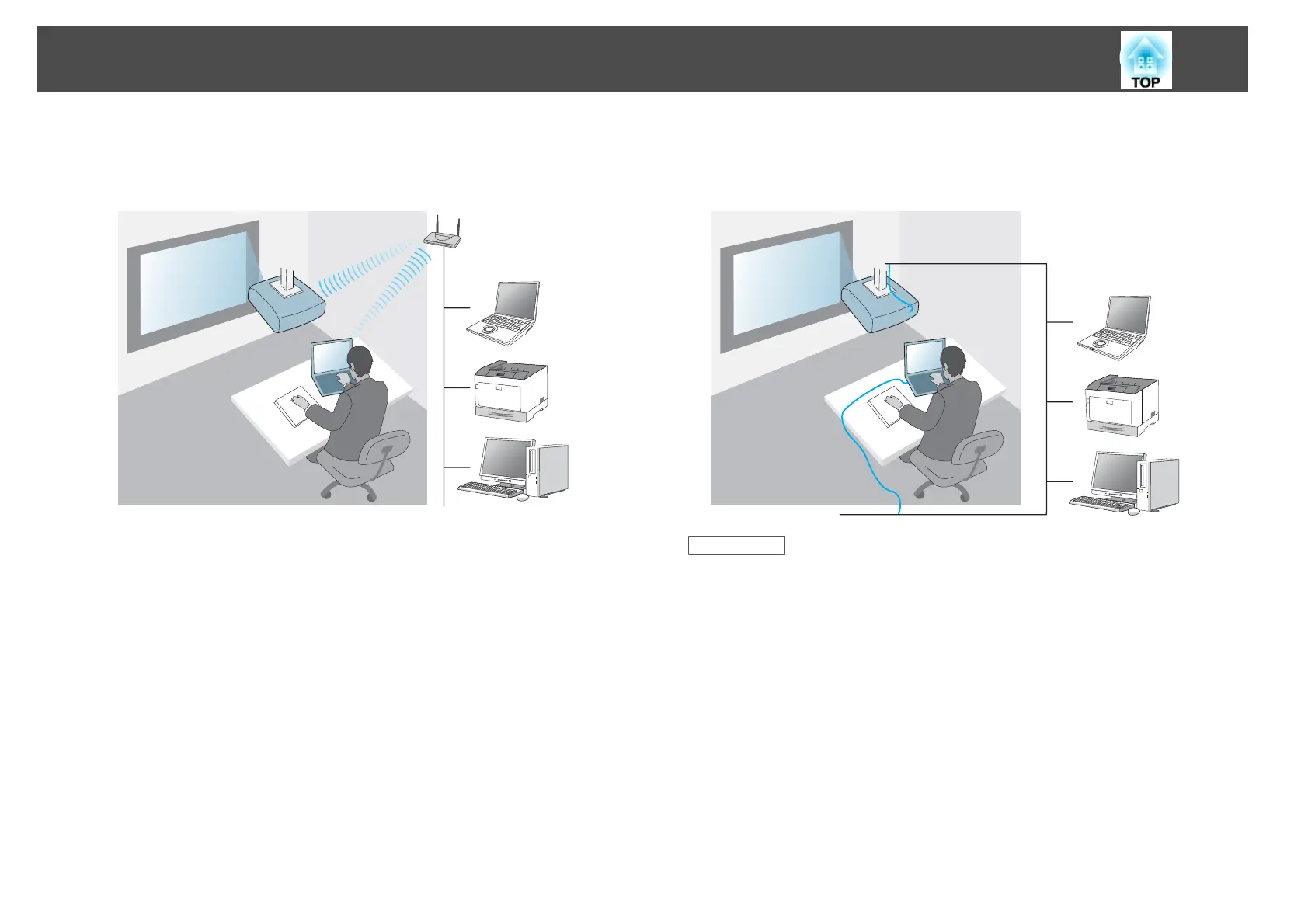
• To connect the projector to the computer using a wireless network
system:
Use Advanced Connection Mode.
• To connect the projector to the computer using a wired network
system:
Use Advanced Connection Mode.
Related Links
• "Setting Up the Projector" p.12
• "Setting Up a Projector to Connect in Quick Connection Mode"
p.14
• "Setting Up a Projector to Connect in Advanced Connection Mode
(Wireless)" p.14
• "Setting Up a Projector to Connect in Advanced Connection Mode
(Wired)" p.15
Setting Up the Projector
13










 To Next Page