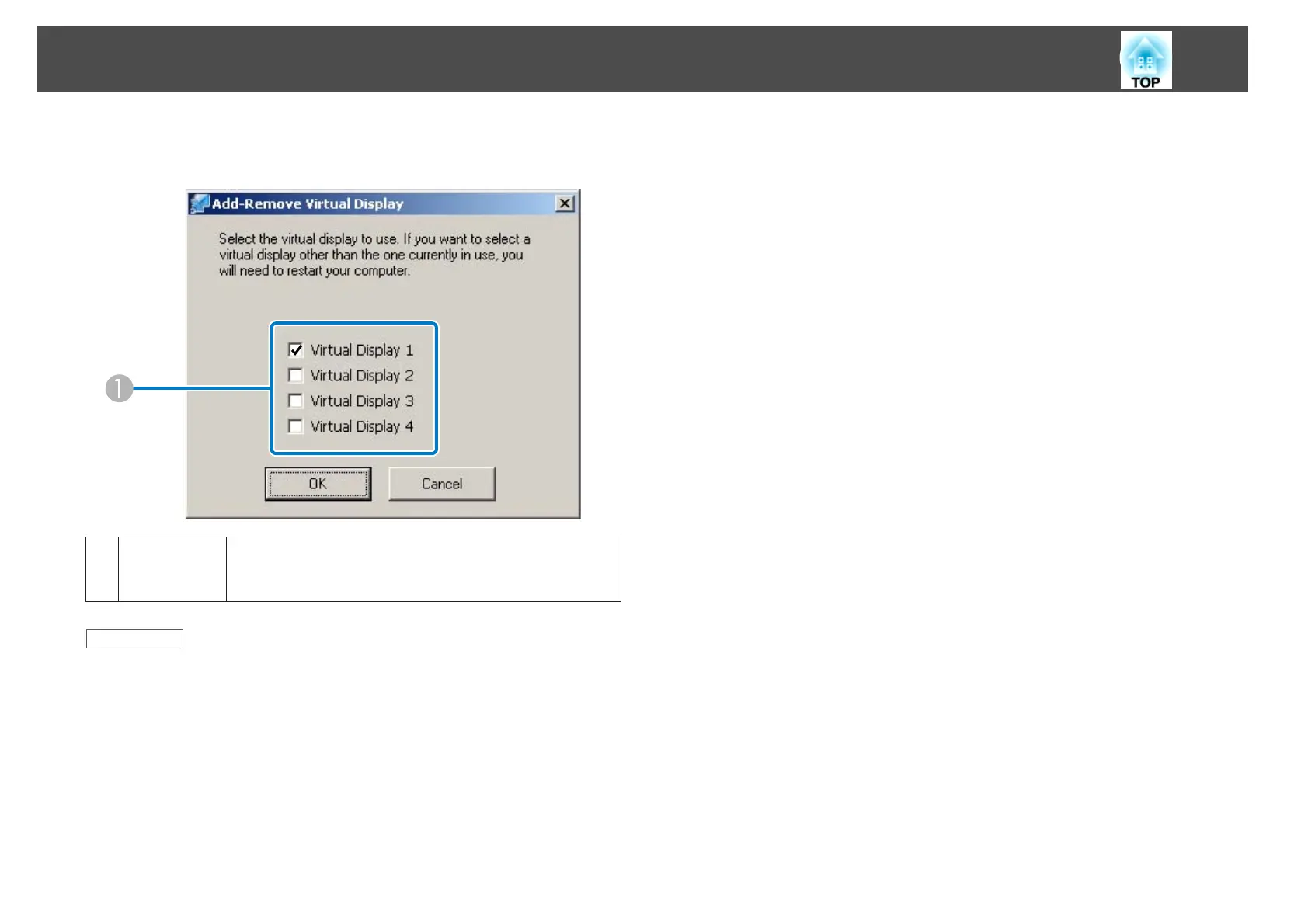
During installation and startup of EasyMP Network Projection on
Windows, the Add-Remove Virtual Display screen is displayed.
A
Virtual Dis-
play 1 to 4
Select the virtual display you want to use for the multi-
screen display function. You can select up to four mon-
itors.
Related Links
• "Screen Summary" p.61
• "Enabling the Virtual Display Driver (Windows)" p.41
Add-Remove Virtual Display
76










 To Next Page