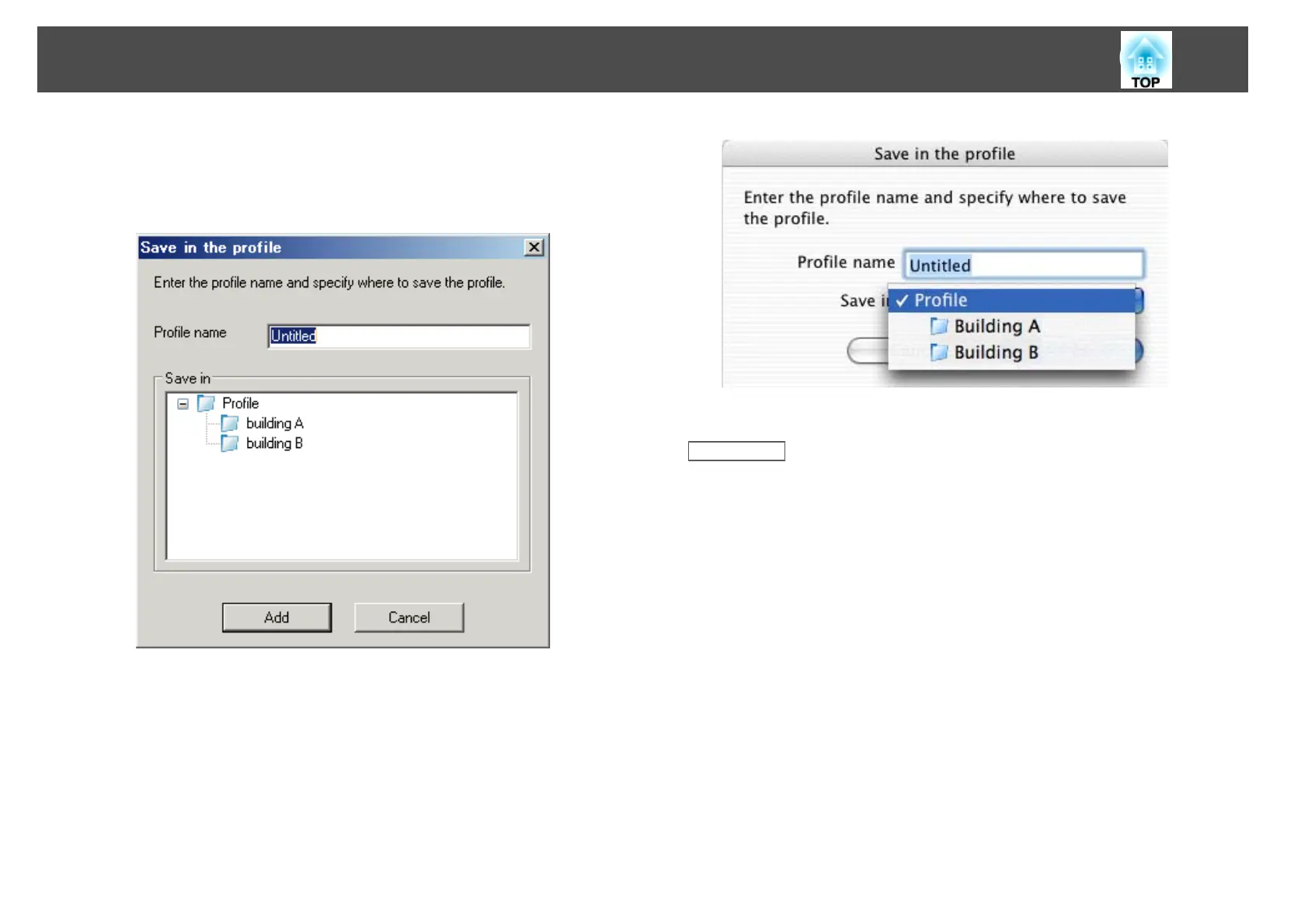
• A folder selection screen is displayed: If you have created a folder
for profiles, one of the following screens is displayed. After entering
the Profile name and selecting the Save in destination, click Add.
Windows:
Mac OS X:
The projector information is saved in the profile.
Related Links
• "Searching for Network Projectors Using a Profile" p.26
Managing a Profile
You can change the name and the organization of your profiles.
a
Click Set options on the following screen.
Changing the Projector Search Method
28










 To Next Page