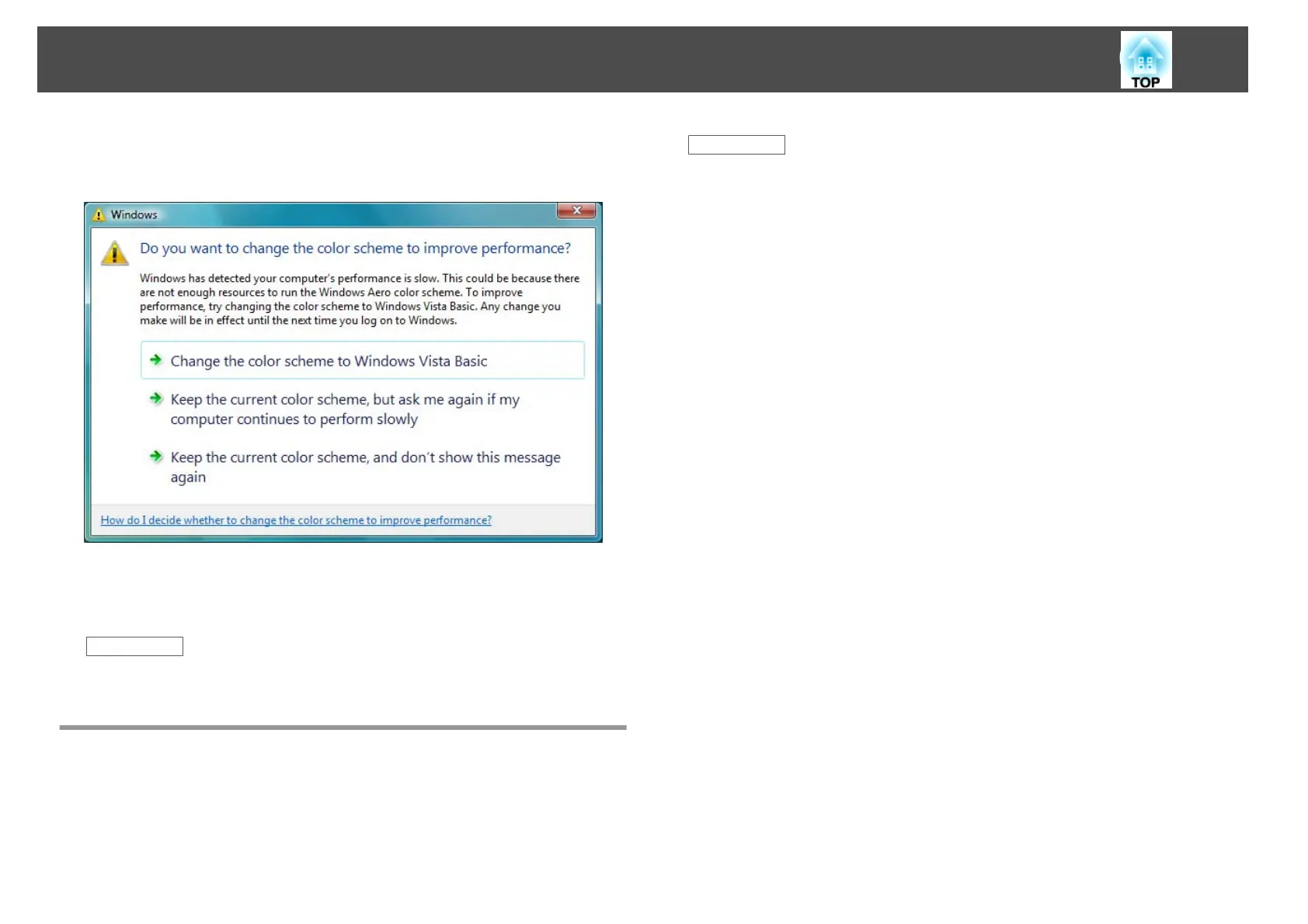
• A few minutes after you connect a computer to the projector over a
network with EasyMP Network Projection, the following message may
be displayed.
It is recommended that you select Keep the current color scheme, and
don't show this message again. This selection is enabled until the
computer is restarted.
Related Links
• "Limitations" p.81
Limitations when Projecting from Windows Media
Center
You cannot project images in full screen display using Windows Media
Center. Switch to the window display mode to project the images.
Related Links
• "Limitations" p.81
Limitations
82










 To Next Page