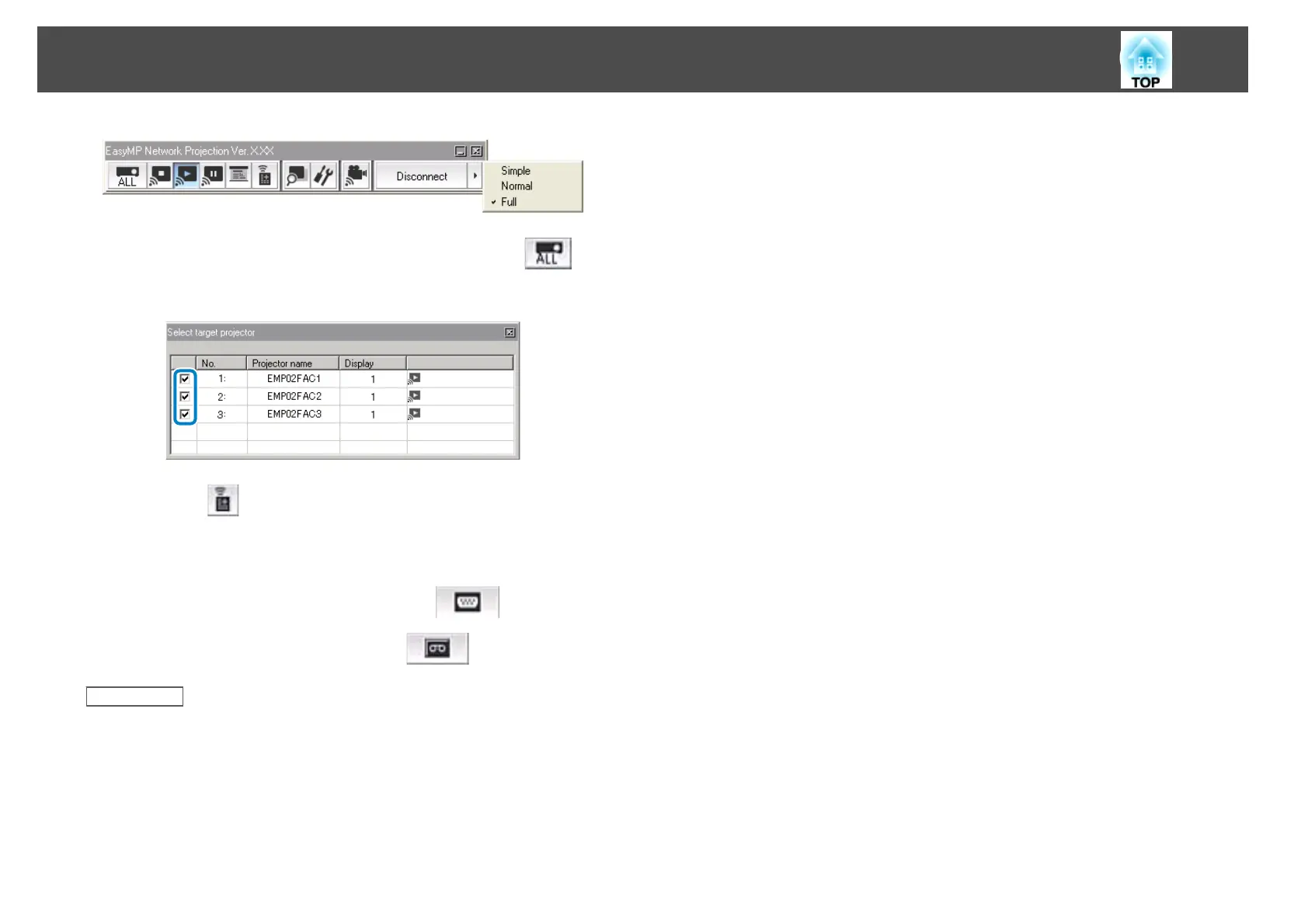
b
If you are connected to multiple projectors, click the button
on the toolbar and select the projector you want to control.
c
Click the button on the toolbar.
d
Perform one of the following operations.
• Switch to a computer source: Click the
button.
• Switch to a video source: Click the button.
Related Links
• "Controlling the Projected Display" p.31
Controlling the Projected Display
32










 To Next Page