a
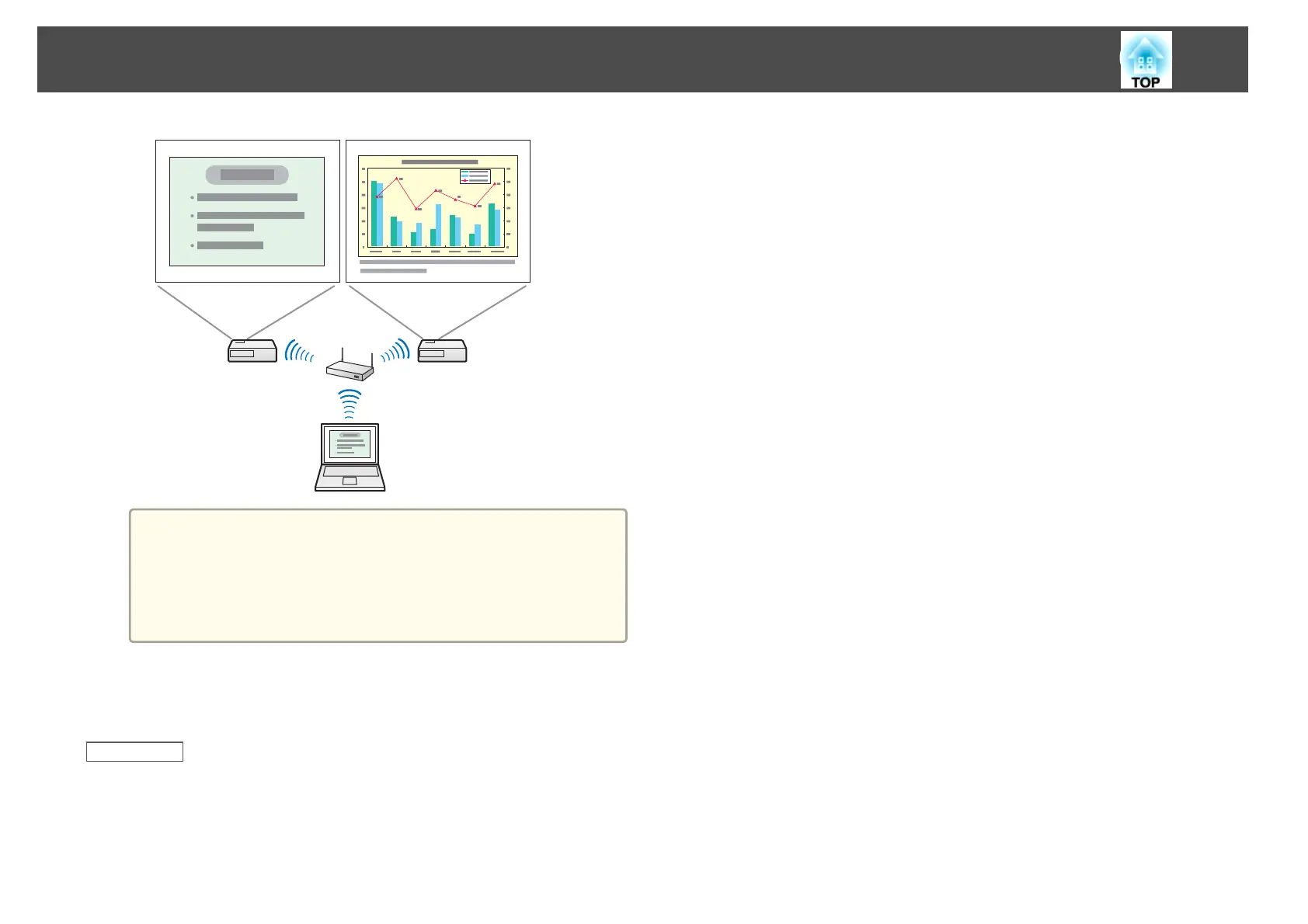
If you use a virtual display on Windows, you cannot view the
image being sent to a virtual display on the computer. To adjust
the image on the virtual display, check the projected image. To
perform mouse-based operations on the virtual display, move
the mouse pointer in the direction of the virtual display so that
the pointer appears on the virtual display.
e
To end projection for multi-screen display, click Disconnect on the
toolbar.
Related Links
• "Setting Up Multi-Screen Display" p.41
Projecting Images Using the Multi-Screen Display Function
48










 To Next Page