2. Press the up or down arrow button, select Fax, and press the OK button.
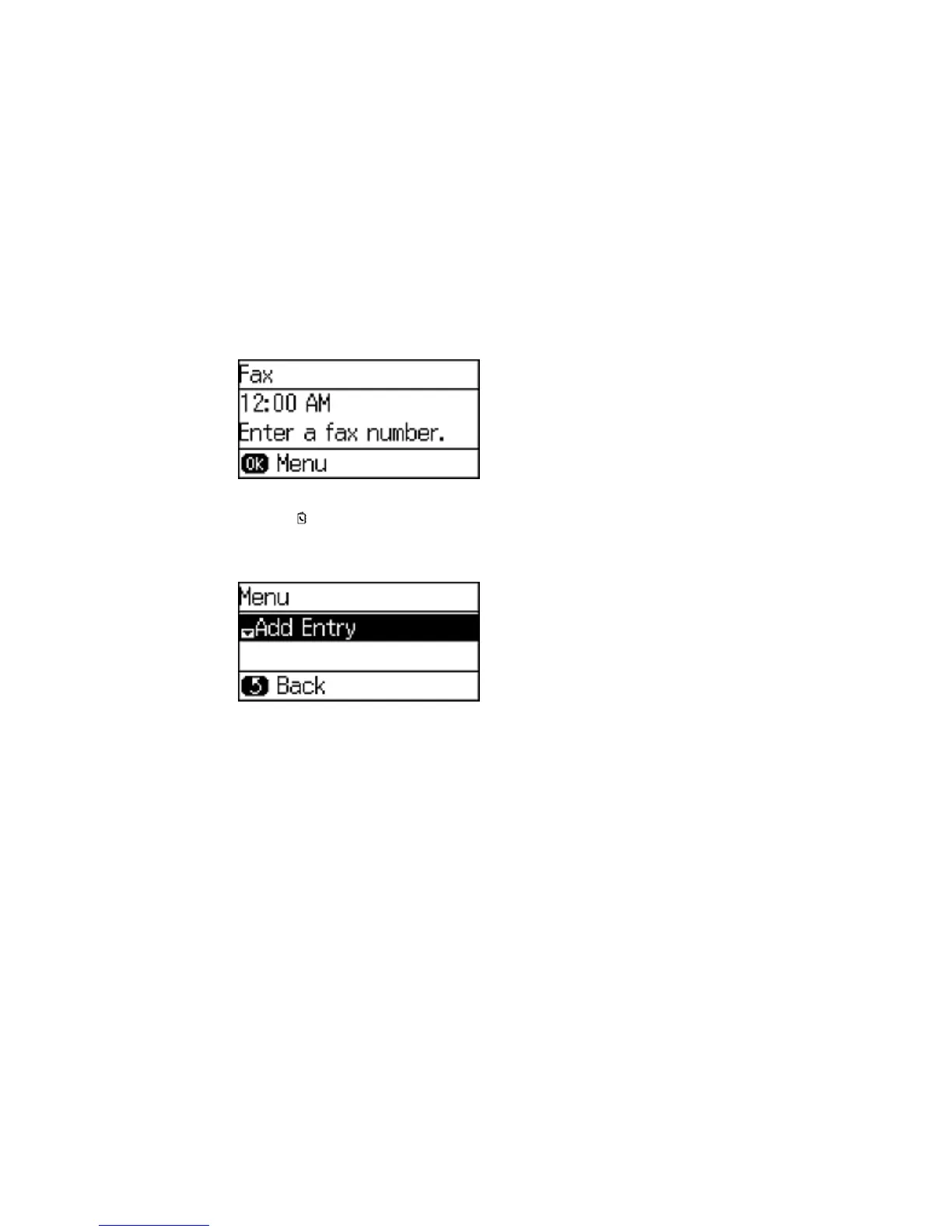
You see a screen like this:
3. Press the Contacts button.
4. Press the # button on the numeric keypad.
You see a screen like this:
Note: You can print your list of contacts and groups if necessary.
5. Select Add Group and press the OK button.
141















 To Next Page