41 / 56
10 • Replacing components
80116-261
2018-07
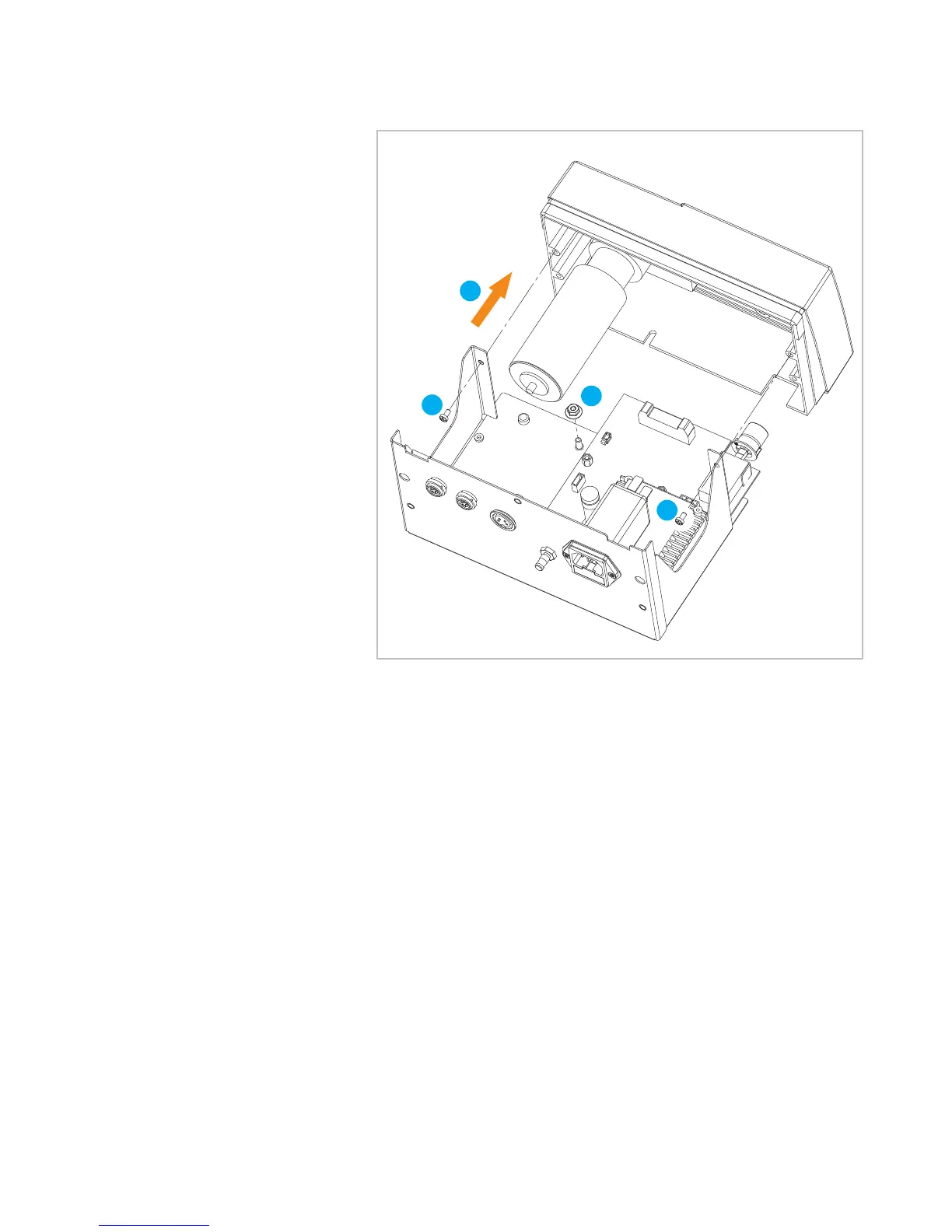
Remove front frame
7. Undo screws in the frame (2).
8. Loosen nut (1) in the housing bottom. The nut can be removed com-
pletely but does not have to be.
9. Pull away front frame toward the front as permitted by the display
connector (not illustrated).



 To Next Page